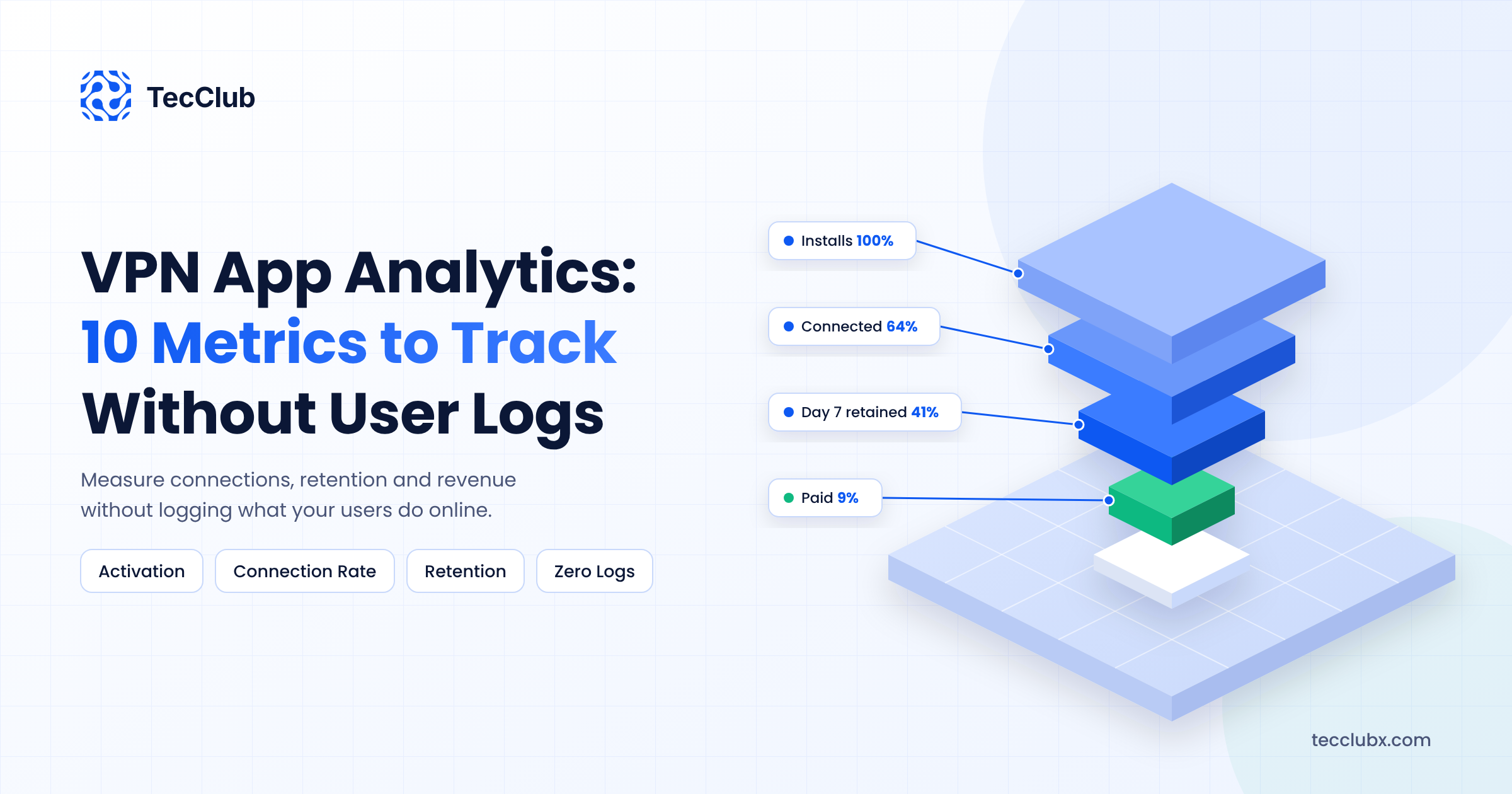
Every VPN app makes the same promise: we do not track what you do. Then the product team asks a fair question. If we do not track anything, how do we know what is working?
This is a real tension, and we deal with it in our own VPN apps every week. You need data to fix onboarding, improve servers and grow revenue. But your users chose a VPN because they want privacy, and one careless analytics SDK can break that trust and get you in trouble with app store reviewers.
The good news is that you do not need to log user activity to run a VPN app well. You need the right metrics, collected the right way. This guide covers the 10 VPN app analytics metrics we actually watch, what each one tells you, and how to track them without logging anything about what users do online.
What VPN App Analytics Should and Should Not Include
Before the metrics, draw a clear line. There are two kinds of data in a VPN app, and they must never mix.
Product and business data is about how people use your app: did they open it, did they connect, did they subscribe, did the app crash. This is what analytics is for.
Activity data is about what people do through the VPN: websites visited, DNS requests, apps used, traffic content, and real IP addresses linked to a user. This should never be collected, stored or sent to any analytics tool. Not for debugging, not "just for a week", not anonymized later.
If a metric needs activity data to work, it is the wrong metric. Every metric below works without it. We have written separately about how logging systems work without compromising your privacy on the server side. This post focuses on the app and business side.
10 VPN App Analytics Metrics Worth Tracking
1. Activation Rate (Install to First Connection)
Activation rate is the percentage of new installs that complete one successful VPN connection. For a VPN app, this is the most important number in the first week, because a user who never connects never sees the product.
Track two events only: app first opened, and first successful connection. If activation is below 60%, something in your first session is blocking people. The usual suspects are a sign-up wall before connecting, a confusing VPN permission prompt, or a slow default server.
2. Connection Success Rate
This is the share of connection attempts that actually succeed. It is the closest thing a VPN app has to a health score, and in our experience it predicts reviews and cancellations better than any marketing metric.
Record an attempt event and a result event (success, timeout, auth error, blocked). Break it down by protocol, server location and network type (Wi-Fi or mobile data). You do not need to know who the user is to do this. You only need counts.
3. Time to Connect
Users judge a VPN in the first few seconds. If tapping connect takes 8 seconds, the app feels broken even if it works. Track the median and the 90th percentile time from tap to connected state.
The 90th percentile matters more than the average. A median of 2 seconds looks great, but if 1 in 10 users waits 12 seconds, that 10% is where your uninstalls come from.
4. Server and Protocol Health
App-side metrics tell you users are struggling. Server-side monitoring tells you why. Track latency, packet loss and uptime for each server, and test each protocol separately, because a server can respond to ping while WireGuard or VLESS on that server is failing.
This data comes from your infrastructure, not your users, so there is no privacy risk at all. Tools like ExitProbe for VPN server monitoring test real connections per protocol and alert you before users notice a problem.
5. Crash-Free Sessions
The percentage of app sessions that end without a crash. Aim for 99.5% or higher. Crashes inside a VPN app are worse than in most apps, because a crash during an active tunnel can leave the user without protection or without internet.
Use crash reporting, but check what the SDK sends. Turn off any option that attaches network information, device identifiers or user IDs that you do not need.
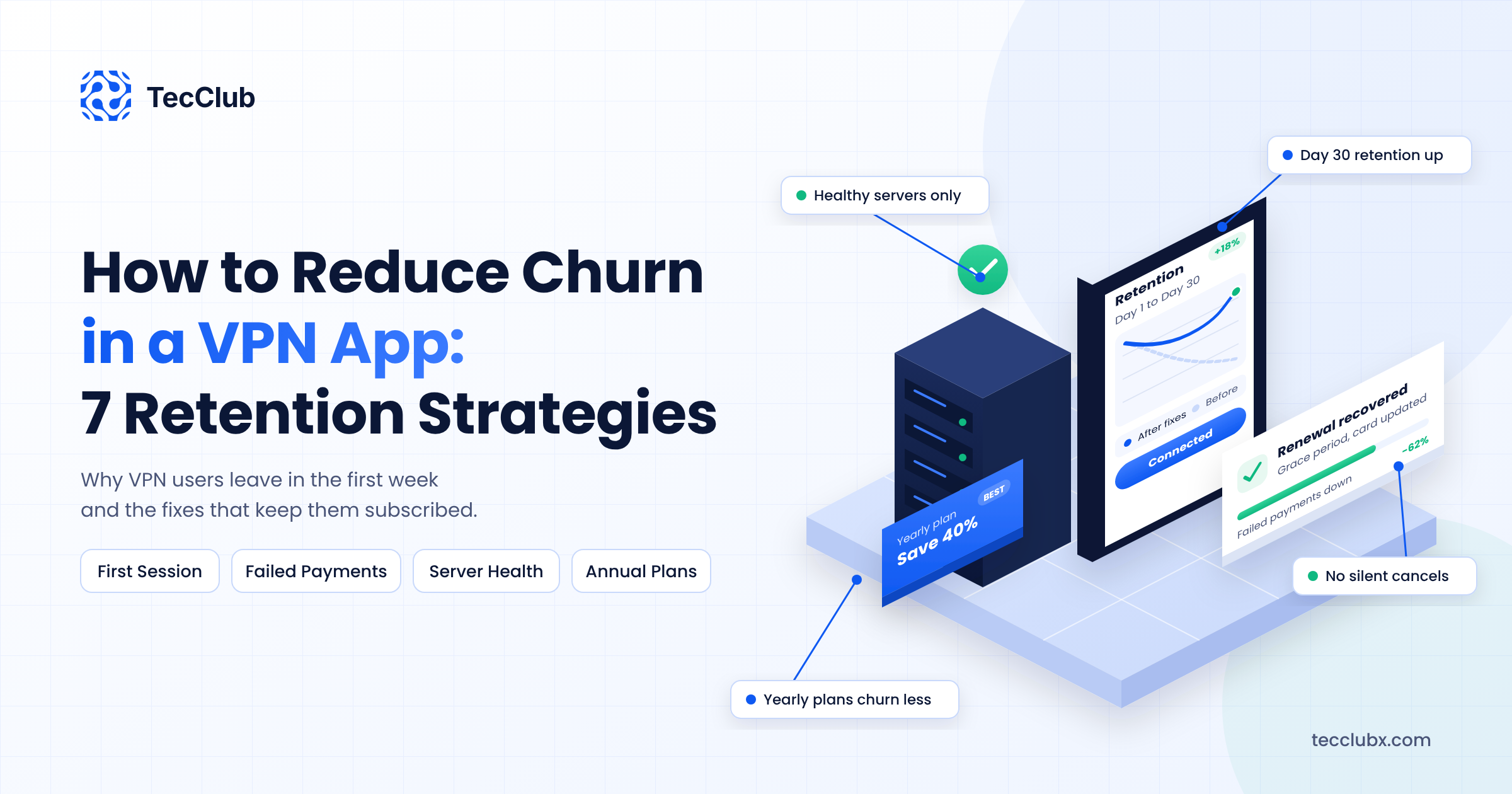
6. Day 1, Day 7 and Day 30 Retention
Retention shows how many new users come back after 1, 7 and 30 days. It is the clearest signal of whether people find lasting value in the app.
You can measure retention with a random install ID that is generated on the device, is not linked to an account or email, and is reset if the app is reinstalled. That is enough to group users by install date without knowing who they are.
7. DAU/MAU Ratio
Daily active users divided by monthly active users shows how often people use the app. For a VPN, an "active" user should mean a user who connected, not just someone who opened the app.
A ratio around 20% to 30% is common for VPN apps. A falling ratio often means users have switched to connecting only on public Wi-Fi or only when travelling, which is a warning sign for upcoming cancellations.
8. Trial and Paywall Conversion
Two numbers here: how many users who see the paywall start a trial or buy, and how many trials turn into paid subscriptions. Both come straight from App Store Connect and Google Play Console, so you get them without adding any extra tracking to the app.
If paywall views are high but conversion is low, test the paywall itself: plan order, the default plan, and how clearly the price is shown. We covered pricing models in our guide on how to monetize a VPN app.
9. Churn Rate (Voluntary and Involuntary)
Churn is the share of paying users you lose each month. Split it into voluntary churn, where users cancel, and involuntary churn, where a payment fails and the subscription ends. Store subscription reports show both.
Involuntary churn is often a quarter or more of total churn in subscription apps, and it is mostly fixable with billing grace periods and clear in-app messages when a payment fails.
10. Average Revenue Per User and Lifetime Value
Average revenue per user (ARPU) is total revenue divided by active users. Lifetime value (LTV) estimates how much a user pays you before they leave. Together they tell you how much you can afford to spend to acquire a user.
If your LTV is $18 and a paid install costs $6, you have room to grow with ads. If LTV is $5, you need to fix retention or pricing before spending more on marketing. These numbers come from store revenue reports and your subscription backend, not from tracking users.
How to Collect These Metrics Without Logging User Data
The metrics above are safe. The way you collect them decides whether your app stays private. These are the rules we follow.
- Use a small, fixed list of events. App opened, connect attempted, connect result, paywall shown, purchase, crash. Nothing else. Every new event should need a reason.
- Never send IP addresses, DNS data or visited domains. Check that your analytics SDK is not collecting IP addresses automatically. Many do by default.
- Use random install IDs, not advertising IDs. Do not collect the IDFA on iOS or the Advertising ID on Android for analytics.
- Aggregate on the server. Store counts per day, per server and per protocol, then delete raw events after a short period.
- Be careful with ad and attribution SDKs. These are the most common source of privacy problems in free VPN apps, because they collect far more than you need.
- Consider self-hosted analytics. Tools like PostHog and Matomo can run on your own servers, so event data never goes to a third party.
Finally, make your App Store privacy labels and Google Play Data safety section match exactly what the app collects. Reviewers check this, and a mismatch is a common reason VPN apps get rejected or pulled. Accurate disclosure also helps conversion, because privacy-aware users do read these sections.
Where to Start
You do not need all 10 metrics on day one. If you are launching or fixing an existing app, start with activation rate, connection success rate and Day 7 retention. These three show whether people can use the product and whether they come back. Add conversion, churn and LTV once you have paying users, and connect server health monitoring as soon as you run more than a handful of servers.
Review the numbers weekly, not daily. VPN usage changes with weekends, travel seasons and local events, and daily noise will send you chasing problems that do not exist.
Final Thoughts
A privacy-first VPN app and a data-driven VPN business are not opposites. The trick is to measure the product, not the people. Count connections, not destinations. Track installs, not identities. Watch your servers closely so you never need to watch your users.
Get these 10 metrics in place, keep the event list short, and you will know exactly where your app is losing users and money, without breaking the promise that made people install it.
Need Privacy-First Analytics for Your VPN App?
TecClub builds VPN apps, admin dashboards and server monitoring for businesses worldwide, with analytics designed around privacy from the start. We can help you track what matters without collecting what you should not.
Talk to our team about your VPN app or email us at info@tecclubx.com.