Most VPN apps lose their future subscribers in the first two minutes. Not because the product is bad, but because the first screens ask for too much too early, explain too little, or show a paywall before the user has seen the app do anything useful.
Your paywall and onboarding decide how many installs turn into paying users. Small changes here often move revenue more than new features do. This guide covers how to design a VPN app onboarding flow and paywall that convert, what Apple and Google require on a subscription screen, and how to test changes without guessing.
Why VPN Onboarding Is Different
A VPN app has a problem most apps do not: the very first thing it needs from the user is scary. Right after install, the app asks to "add VPN configurations" on iPhone or shows a "connection request" warning on Android that talks about monitoring network traffic. If the user does not understand why, they tap Cancel and never come back.
So a VPN onboarding flow has two jobs at once: build enough trust to get through the system permission, and show value before asking for money.
A Simple Onboarding Flow That Works
- One welcome screen, not five. Say what the app does in one line, in plain words. "Private, fast internet on any network" beats a slideshow of features.
- Explain the permission before it appears. One short sentence just before the system dialog: "Your phone will ask to allow a VPN connection. This lets us encrypt your traffic." Then trigger it.
- Let users connect early. The fastest way to prove a VPN works is to connect. A free connection, a short free session or a trial lets the user feel the product before deciding to pay.
- Show the paywall at a moment of intent. Not only at launch, but when the user taps a premium location, hits a data limit, or wants a feature that is part of Premium.
Many VPN apps also show a paywall right after onboarding, and that can work too. The point is that it should not be the only chance, and it should never block the very first connection without explaining what the user gets.
Paywall Placements to Consider
- After onboarding: the classic spot, with a clear way to continue on the free plan.
- Premium location tap: the user already wants something Premium offers, so the message is easy.
- Limit reached: daily time or data used up on the free plan.
- Feature tap: ad blocker, more devices, streaming locations or faster servers.
- Settings or profile: a quiet "Go Premium" entry for users who are ready on their own.
What a Good VPN Paywall Shows
- A clear headline about the outcome, not the technology. "Full speed in every location" is easier to buy than "Premium protocol access".
- Three to five benefits the user actually cares about: all locations, faster servers, more devices, no ads.
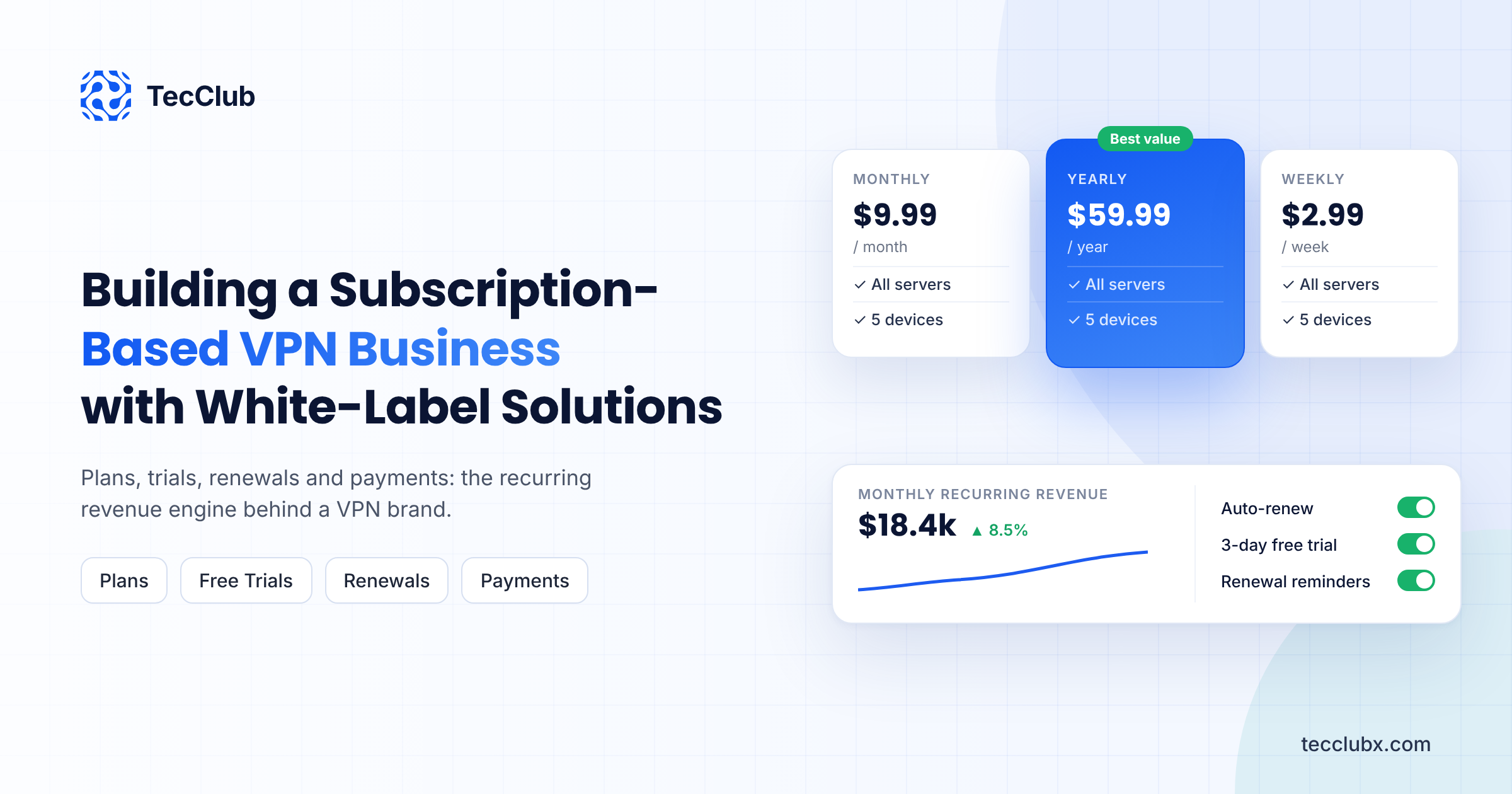
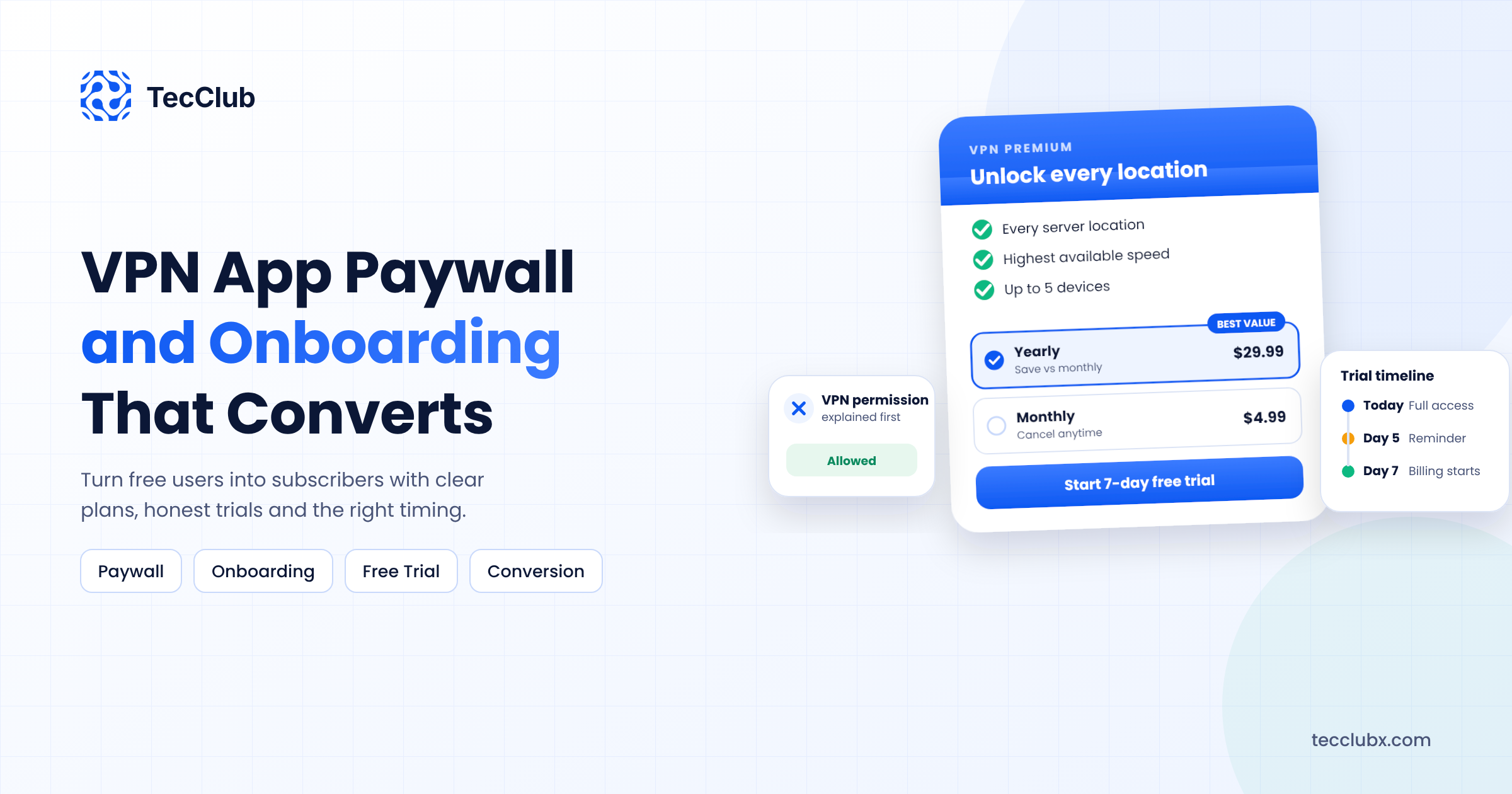
- Two or three plans, not more. Weekly, monthly and yearly is a common set. Highlight the plan you want most users to pick, and show the yearly price as a per-month or per-week amount so the saving is obvious.
- Trial terms in plain words, if you offer a trial: how long it is, what it costs after, and when the user will be charged.
- A visible close or "continue free" option. Hiding it rarely helps. It frustrates users, invites refunds and bad reviews, and can cause problems in store review.
- Restore Purchases, Terms and Privacy links. These are expected on every subscription screen.
Always show the localized price that the store returns for each plan, never a hard-coded price. A user in Turkey or Brazil should see their own currency.
What Apple and Google Require on a Subscription Screen
Both stores look closely at subscription paywalls, and VPN apps get extra attention. Before submission, check that your paywall:
- Shows the price and billing period of each plan clearly, and the full price after any trial or intro offer
- Explains that the subscription renews automatically until cancelled
- Links to your Terms of Use and Privacy Policy
- Offers a way to restore previous purchases
- Does not hide the real cost behind small text or confusing comparisons
The technical side of subscriptions, including server-side verification and renewals, is covered in our guide on adding in-app subscriptions to a VPN app with StoreKit 2 and Google Play Billing.
Free Plan, Free Trial or Both?
| Model | How it works | Watch out for |
|---|---|---|
| Free plan | Limited locations, speed or data, forever free | Server costs for users who never pay |
| Free trial | Full Premium for a few days, then paid | Refunds and anger if trial terms are unclear |
| Both | Free plan for everyone, trial of Premium on top | More states to handle in the app and backend |
There is no single winner. A free plan grows installs and reviews. A trial usually converts better per user. Many VPN apps combine both, with the free plan acting as a safety net for users who are not ready yet.
Small Details That Lift Conversion
- A trial timeline. A simple line showing "Today: full access, Day 5: reminder, Day 7: billing starts" makes users more comfortable starting a trial.
- Social proof that is real. Your actual store rating or download count, never invented numbers.
- Fast loading. If plan prices take three seconds to appear, users leave. Load products early in the session.
- The right language. Translate the paywall for your main markets. A paywall in the user's language feels safer to pay on.
- Win-back offers. A discounted offer for users who cancelled can recover some of them, which we cover in our guide on reducing churn in a VPN app.
Measure Before You Change
Paywall changes should be tested, not guessed. Track a few numbers for every paywall version: how many users see it, how many start a trial or buy, and how many trials turn into paid subscriptions. Change one thing at a time, such as the default plan or the headline, and give each test enough users to mean something.
You can do all of this without collecting anything about what users do online. Our guide on VPN app analytics without logging user data explains which numbers to track and how to keep them private.
Final Thoughts
A good VPN paywall does not trick anyone into paying. It explains the permission, lets users feel the product, and then shows a clear, honest offer at the moment they want more. Get onboarding and the paywall right, and the same number of installs turns into noticeably more subscribers.
Want a Paywall That Converts?
TecClub designs and builds VPN apps with onboarding, paywalls and subscriptions that pass App Store and Google Play review. We can also review your current paywall and suggest what to test first.
Talk to us about your VPN app or email us at [email protected].