Most VPN apps do not fail because nobody installs them. They fail because people install them, use them for a week, and quietly leave. If you have ever looked at your dashboard and seen 10,000 installs but only 300 paying users, you already know the problem. That gap is churn, and in the VPN market it is brutal.
We run our own consumer VPN apps and build white-label VPN apps for other businesses, so we have watched churn from both sides. This guide covers what VPN app churn actually looks like, how to measure it properly, and 7 retention strategies that have worked for us and for the clients we build for. No theory, just the things that moved the numbers.
What Is Churn in a VPN App?
Churn rate is the percentage of users who stop using or stop paying for your app in a given period. If you start a month with 1,000 subscribers and 80 of them cancel, your monthly subscription churn is 8%.
For VPN apps it helps to split churn into two types, because the fixes are completely different.
Voluntary churn is when the user decides to leave. They cancel the subscription, uninstall the app, or just never open it again. This is usually about the product: slow servers, confusing setup, or a price that feels too high for what they get.
Involuntary churn is when the user did not decide anything. Their card expired, the payment failed, or the app store could not renew the subscription. In our experience this is one of the most ignored causes of lost revenue in subscription apps, and it is also the easiest to fix.
If you only track one number, track both. A VPN app with 5% voluntary churn and 4% involuntary churn is losing almost half its revenue to a problem that has nothing to do with the product.
Why VPN Apps Have Such High Churn
VPN apps churn faster than most app categories for a few reasons that are worth understanding before you try to fix anything.
First, a lot of installs are temporary by nature. Someone travels for two weeks, needs a VPN, and uninstalls it when they get home. Someone wants to watch one show that is not available in their country. These users were never going to stay, and you should not spend money trying to keep them.
Second, the product is invisible when it works. A user turns the VPN on, nothing visible happens, and three weeks later they wonder why they are paying for it. Unlike a fitness app or a notes app, there is no obvious daily value to look at.
Third, switching cost is almost zero. There are hundreds of VPN apps in both stores. If yours disconnects twice in an evening, the user can have a competitor installed in 60 seconds.
This means your retention strategy cannot just be "add more features". It has to focus on the first session, on reliability, and on making value visible.
How to Measure VPN App Retention Properly
Before changing anything, get these numbers from your analytics or your backend. Without a baseline you will not know if a change helped.
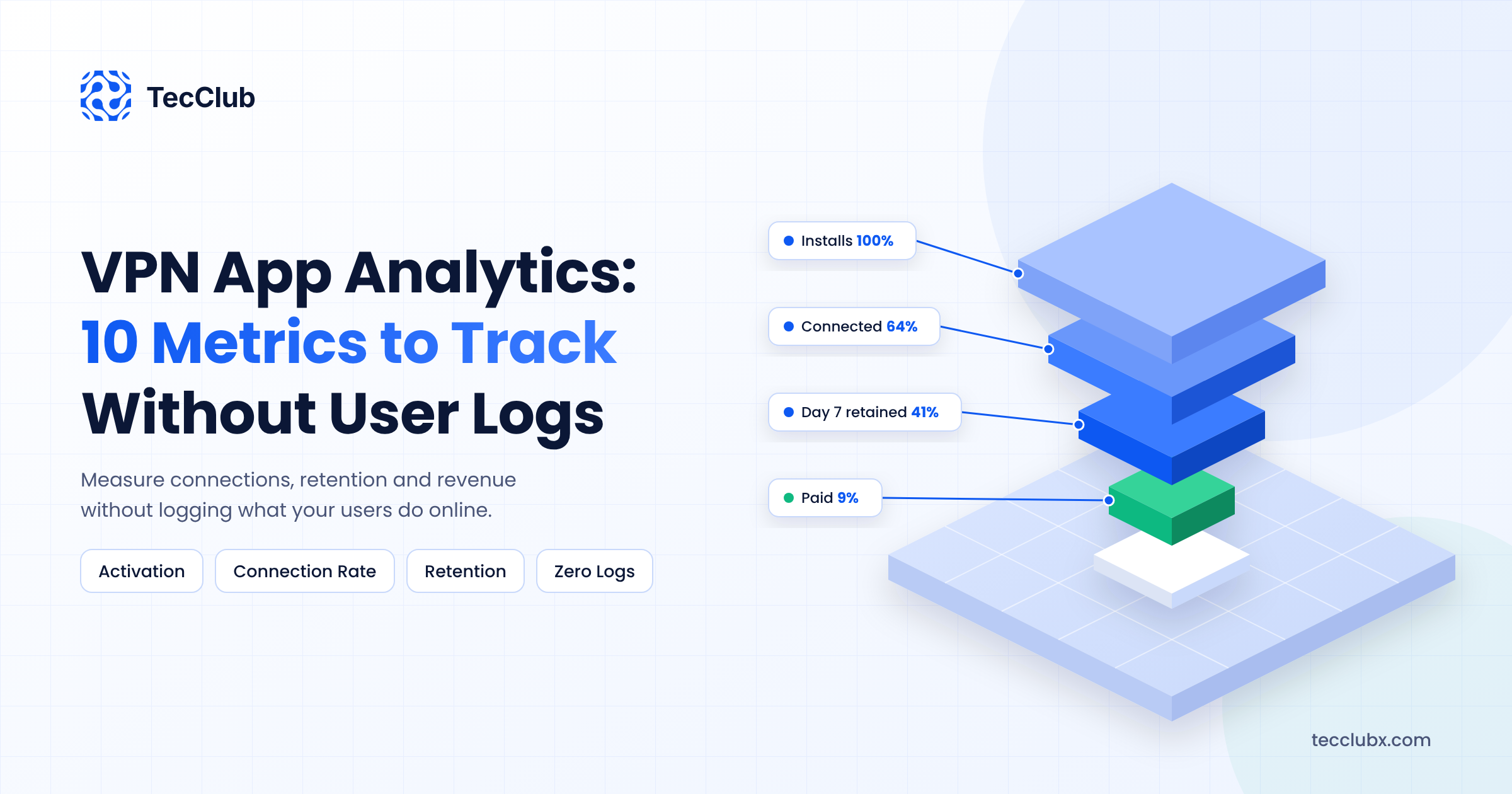
- Day 1, Day 7 and Day 30 retention. What percentage of new installs open the app again after 1, 7 and 30 days. For VPN apps, Day 1 retention is the number to watch first. If people do not connect successfully on day one, nothing else matters.
- Trial to paid conversion. If you offer a free trial, how many trials turn into a paid subscription.
- Monthly subscription churn. Paying users lost per month divided by paying users at the start of the month.
- Failed payment rate. Renewals that failed because of billing issues. Both App Store Connect and Google Play Console report this.
- Connection success rate. How many connection attempts actually succeed. This is a product metric, but it predicts churn better than almost anything else.
You do not need a complex analytics setup for this. Store subscription reports plus basic event tracking inside the app will give you most of it.
7 Retention Strategies to Reduce Churn in a VPN App
1. Fix the First Session Before Anything Else
The biggest churn event in any VPN app happens in the first five minutes. The user installs the app, opens it, and either connects successfully or hits a wall. Account creation screens, permission popups they do not understand, a server list with 60 countries and no recommendation, a connect button that spins for 20 seconds. Every one of these costs you users.
What works: let the user connect with one tap before asking for anything. Pick the fastest server automatically. Ask for the VPN permission with a short plain-language explanation of why it is needed. Save account creation and payment for after the user has seen the app work.
In our own apps, moving sign-up to after the first successful connection had a bigger effect on Day 1 retention than any feature we added that year. If you only do one thing from this list, do this one.
2. Stop Losing Paying Users to Failed Payments
Involuntary churn is where many VPN apps leak revenue without noticing. A card expires, a renewal fails, and the subscription ends. The user did not want to leave, and often does not even know it happened until the app stops working.
Both app stores give you tools for this, and most developers never turn them on.
- Grace periods. Enable Billing Grace Period in App Store Connect and grace periods in Google Play Console. The user keeps access for a set number of days while the store retries the payment.
- Account hold. On Google Play, account hold pauses the subscription instead of cancelling it when payment fails, which makes recovery much easier.
- In-app messaging. When the app detects a billing issue, show a clear message with a direct link to fix the payment method. Do not just cut access silently.
Turning these on is a few hours of work and usually recovers a noticeable share of failed renewals. There is no other retention fix with a better return on effort.
3. Make the Free Tier Limited in the Right Place
If you run a freemium VPN app, where you put the limit decides whether free users upgrade or just leave. Get this wrong and the free tier becomes a churn machine.
The mistake we see most often is throttling speed on the free tier. A slow VPN feels broken, and a user who thinks your app is broken does not upgrade, they uninstall. Limits that work better are a monthly data cap, a smaller set of server locations, or one device instead of five. The free experience should be fast and reliable, just smaller.
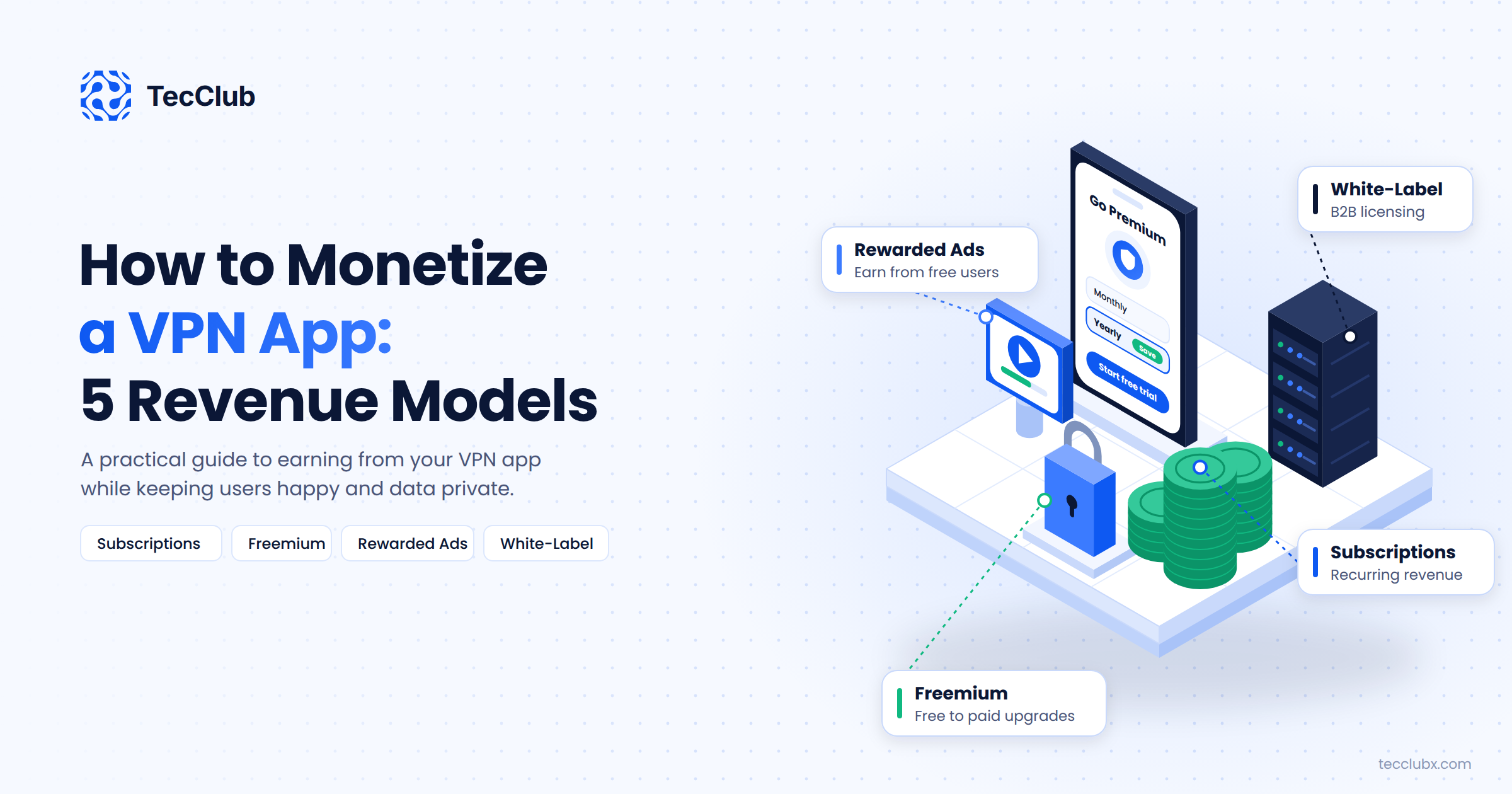
Show the limit clearly inside the app, with a visible counter, so the upgrade prompt arrives at a moment when the user actually understands what they are paying for. We covered the business side of this in our guide on how to monetize a VPN app.
4. Treat Server Reliability as a Retention Feature
Here is a pattern we have seen many times. A server in a popular location starts dropping connections, nobody on the team notices for a week, reviews turn negative, and cancellations climb. Slow or unstable servers are the number one reason users give when cancelling a VPN subscription. The fix is partly infrastructure and partly monitoring.
- Monitor every server and protocol continuously, not just whether the machine is online but whether a real connection succeeds and how fast it is.
- Remove unhealthy servers from the app's server list automatically so users never see them.
- Track connection success rate per server and per protocol, and fix the worst ones first.
- Offer more than one protocol and let the app fall back automatically when one is blocked or slow.
Users do not care about your uptime percentage. They care whether the VPN worked when they tapped connect. If you want retention, make that answer yes as often as possible.
5. Build a Cancel Flow That Learns Something
When a user goes to cancel, that is your last and best chance to understand why. Most VPN apps have no cancel flow at all; the user just goes to the store subscription page and it is over.
Add a "manage subscription" screen inside the app with a short cancellation survey. Three or four options are enough: too expensive, not using it, connection problems, found another app. Then respond to the reason.
- Too expensive: offer a pause for one or two months, or a one-time discount on the next renewal.
- Not using it: suggest a cheaper plan or show them a feature they have not tried, like protection on public Wi-Fi.
- Connection problems: open a support chat right there. Many of these are fixable in one message.
Even if the user still cancels, the survey data tells you where to focus next month. The top reason is your roadmap.
6. Use Notifications to Show Value, Not to Nag
VPN apps have a specific problem: the product is silent when it works. Users forget they have it, forget why they paid, and cancel when the renewal email arrives. Notifications can fix this if you use them for value, not for discounts.
Examples that work: a weekly summary like "Your connection was protected for 14 hours this week across 3 networks". A prompt when the phone joins an unknown Wi-Fi network: "You are on public Wi-Fi. Connect to stay protected?" A short message when a new server location is added in a country the user has used before.
Examples that hurt: daily "Upgrade now" messages, fake countdown timers, and notifications about features the user has not asked for. One useful message a week beats five sales messages a day, and users will turn off notifications completely if you push too hard.
7. Give Long-Term Users a Reason to Stay Long-Term
Monthly plans churn faster than yearly plans. That is true across almost every subscription app, and VPN apps are no exception. A user on a yearly plan has made a decision once; a monthly user makes it twelve times a year.
So push annual plans, but do it fairly. Show the monthly equivalent price clearly, make the yearly option the default on the paywall, and offer a real discount rather than inflating the monthly price to make yearly look good. Users notice.
Then reward people who stay. A small loyalty discount at renewal, early access to new server locations, or an extra device slot after the first year all cost very little and give users a reason not to shop around when the renewal notice arrives.
How Long Before You See Results?
Retention changes do not show up overnight. Here is a rough timeline from our own work. First-session fixes and billing grace periods show results within two to three weeks, because they affect new users and renewals immediately. Server monitoring and cancel-flow changes take one to two months, because you need enough data to act on. Annual plan pushes and loyalty rewards take a full renewal cycle to prove themselves.
Measure before and after, change one thing at a time where you can, and give each change enough time to show up in Day 30 retention and monthly churn.
Final Thoughts
Reducing churn in a VPN app is mostly about removing reasons to leave, not adding reasons to stay. A fast first connection, servers that work, payments that do not silently fail, and an app that reminds people what it is doing for them will do more for retention than any new feature.
Start with the first session and failed payments. They are the cheapest fixes with the fastest results. Then work through server monitoring, the cancel flow, and your plan structure. Pair this with the UX advice in our earlier post on improving VPN user retention through better UX, and make sure new users can actually find you with solid App Store Optimization, because retention only matters once people install the app.
Struggling with Churn in Your VPN App?
TecClub builds and operates VPN apps used by over a million users, and we build white-label VPN apps and backend infrastructure for businesses worldwide. We can help you fix onboarding, billing, server reliability and the retention metrics that decide whether your VPN app makes money.
Talk to our team about your VPN app or email us at info@tecclubx.com.