Launch day feels like the finish line. It is not. The day your app goes live on the App Store and Google Play is the day it starts getting older: a new iOS version is already in beta, Google has a new target API deadline coming, and somewhere a library you depend on just shipped a security fix.
Apps that are not maintained do not break all at once. They slowly collect crashes, bad reviews and store warnings until one day an update gets rejected, or the app quietly disappears from search. This guide explains what app maintenance actually covers, what it usually costs, and how to choose the right maintenance plan for your app.
What Is App Maintenance?
App maintenance is all the work that keeps a live app working, secure and accepted by the stores after launch. It is not the same as building new features. Think of it as two buckets:
- Keeping it running: bug fixes, crash fixes, OS and device compatibility, server upkeep, security patches and store compliance.
- Keeping it current: small improvements based on user feedback, performance work and updating third-party services that change their APIs.
New features and redesigns are usually priced separately, as their own projects.
What App Maintenance Covers
1. OS updates and new devices
Apple and Google release a major OS version every year, plus smaller updates in between. Each one can change permissions, background behavior, notifications or UI components. New phones bring new screen sizes and chips. Maintenance means testing on the new versions during the beta period and shipping fixes before your users hit the problems.
2. Store compliance
This is the part many app owners do not expect. Google Play requires apps to target a recent Android API level, and the deadline moves every year. Apps that fall behind can no longer publish updates and may stop showing to users on newer devices. Apple regularly updates its review guidelines and SDK requirements too. On top of that, privacy forms such as Apple's App Privacy labels and Google's Data safety section must stay accurate whenever your app or its SDKs change.
3. Bug and crash fixes
Real users find bugs that testing did not. A good maintenance setup watches crash reports, ranks issues by how many users they affect, and fixes the important ones first, instead of waiting for one-star reviews to raise the alarm.
4. Security patches
Your app depends on dozens of libraries and SDKs. When one of them has a security problem, it needs to be updated quickly. The same goes for your backend: frameworks, server packages and SSL certificates all need regular attention.
5. Backend, servers and third-party services
Most apps rely on a backend, a database and services such as payments, maps, push notifications or analytics. Servers need updates, backups and monitoring. Third-party APIs change versions and retire old ones, sometimes with only a few months of notice.
6. Monitoring
Maintenance is much cheaper when problems are found early. Uptime checks, error alerts and performance tracking tell you something is wrong before your users do. For VPN apps this includes checking that each server and protocol actually connects, which is why we built ExitProbe for VPN server monitoring.
7. Small improvements
Most maintenance plans include a small amount of time each month for minor changes: a wording fix, a better error message, a tweak to an onboarding screen. These small steps keep the app feeling cared for.
How Much Does App Maintenance Cost?
A common rule of thumb in the industry is that yearly maintenance costs around 15 to 20 percent of what it cost to build the app. It is only a starting point. The real number depends on a few things:
- Number of platforms. iOS, Android, web and an admin panel each need their own updates and testing.
- Backend complexity. An app with its own servers, real-time features or many integrations needs more care than a simple app.
- Number of users. More users means more devices, more edge cases and higher server costs.
- How fast you need fixes. A guaranteed response within a few hours costs more than "next business day".
- Code quality at launch. Clean, documented code is cheaper to maintain. Rushed code costs more every single month.
There are also fixed running costs that are separate from development time: the Apple Developer Program fee of $99 per year, the one-time $25 Google Play registration, plus hosting, domains and any paid third-party services your app uses.
Common Maintenance Models
| Model | How it works | Best for |
|---|---|---|
| Monthly retainer | A fixed number of hours each month, with agreed response times | Live apps with active users and revenue |
| Pay as you go | You pay hourly only when something needs fixing | Small or early apps with few changes |
| Dedicated team | Developers assigned to your product full time or part time | Growing products that also need new features |
Pay as you go looks cheapest, but it has a hidden problem: nobody is watching the app between requests. OS updates and store deadlines arrive anyway, and you only find out when something has already broken.
What a Good Maintenance Agreement Should Include
- A clear list of what is covered and what counts as new feature work
- Response times by severity, for example the app is down versus a small visual bug
- Monthly or yearly hours, and what happens to unused hours
- OS release testing and store compliance updates
- Monitoring, backups and security updates for the backend
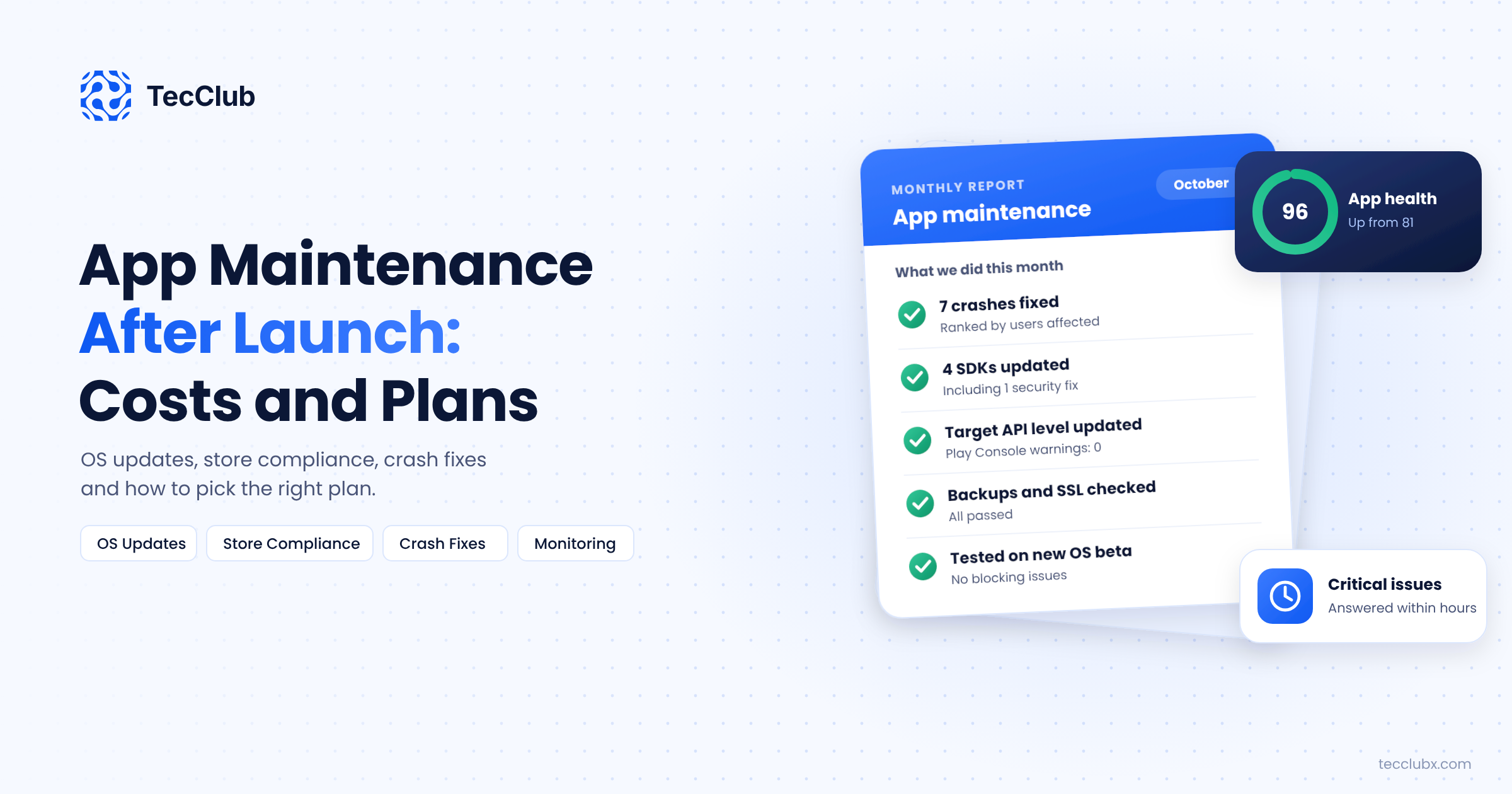
- A short monthly report: what was fixed, what changed, what is coming
- Full access for you to the code, store accounts and servers at all times
Signs Your App Needs Maintenance Now
- Your crash rate or one-star reviews are going up
- Google Play Console shows warnings about target API level or policy
- Your last app update was more than six months ago
- A feature stopped working after an iOS or Android update
- Nobody on your side knows how to deploy a new build
If you are planning an app now, it helps to think about maintenance from day one. A lean first version with clean code is much cheaper to look after, as we explain in our guide on how to build an MVP in 6 to 8 weeks. And if your app has fallen behind on store rules, our checklist on passing App Store and Google Play review covers what reviewers look at today.
Final Thoughts
An app is a product, not a one-time project. Budget for maintenance from the start, pick a model that matches how important the app is to your business, and make sure someone is watching it every month. It costs far less to keep an app healthy than to rescue one that has been left alone for a year.
Need Someone to Look After Your App?
TecClub offers app maintenance for iOS, Android, Flutter and web apps, including OS updates, store compliance, crash fixes, backend upkeep and monitoring. We also take over apps built by other teams.
Talk to us about a maintenance plan or email us at [email protected].