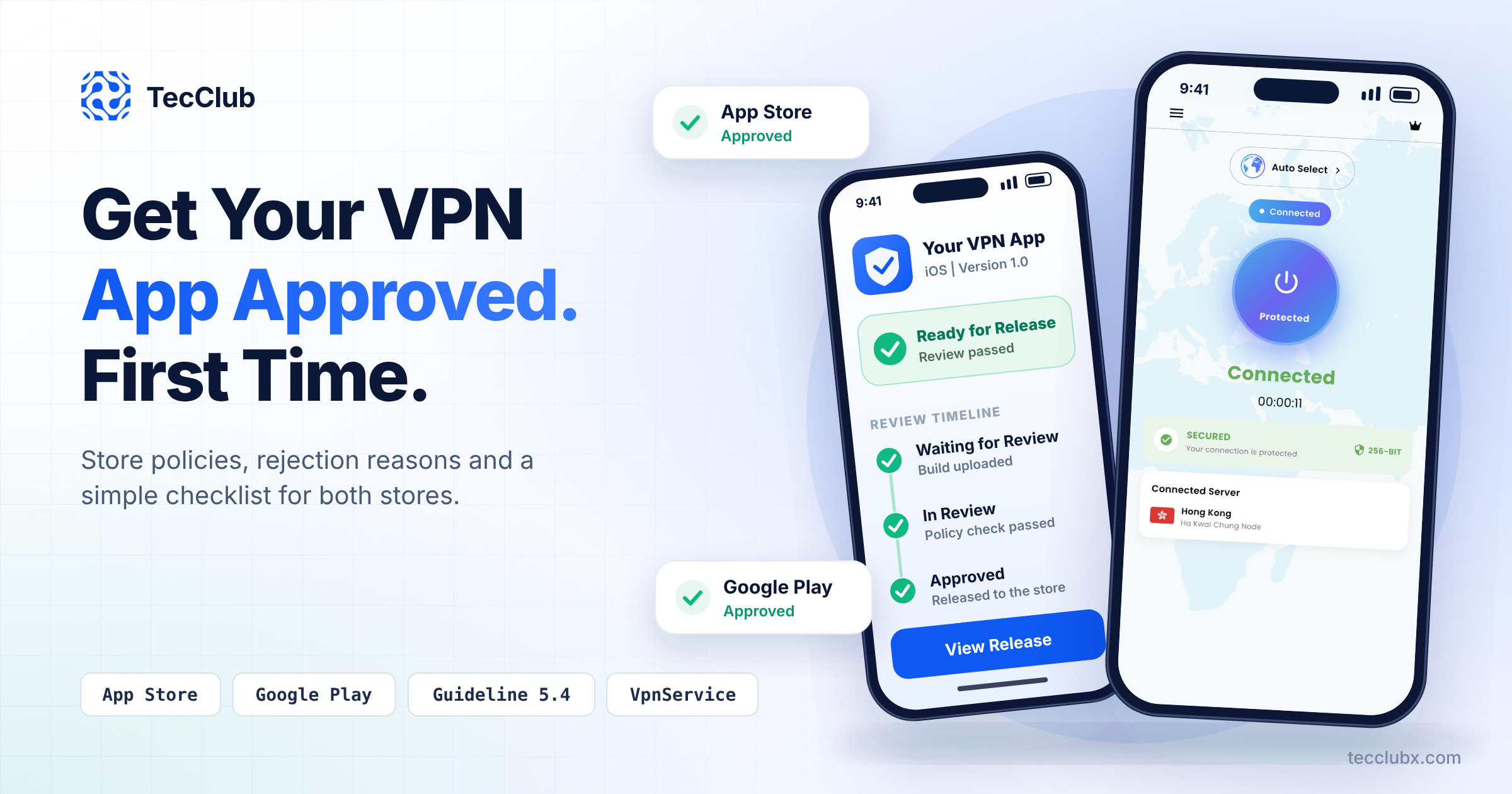
Building a VPN app is only half of the job. The other half is getting it approved. Apple and Google both treat VPN apps as sensitive products, because a VPN can see or route all of a user's traffic. This means VPN apps get a closer look than a normal app, and many first submissions are rejected.
At TecClub, we have shipped VPN apps for our own products and for clients, so we know where reviews usually go wrong. In this guide, we explain the main rules on both stores, the most common rejection reasons, and a simple checklist you can follow before you press submit.
Why VPN Apps Get Extra Attention
A VPN app asks for deep access to the network of the device. If it is built carelessly, or run by a dishonest company, it can collect browsing data, inject ads or redirect traffic. Both stores have had to deal with fake and unsafe VPN apps, so they now ask for more proof and more honesty from VPN publishers.
The good news is that the rules are clear. If your app follows them from day one, approval is usually smooth.
Apple App Store: What You Need to Know
Apple covers VPN apps in Guideline 5.4 of the App Store Review Guidelines. The main points are:
1. Publish from an organization account
VPN services can only be offered by developers enrolled as an organization. An individual Apple Developer account is not enough. If your company does not have an organization account yet, set it up first. It requires a legal entity and a D-U-N-S number, and it can take some time, so plan for it early.
2. Use the NEVPNManager API
Apple requires VPN apps to use the NEVPNManager API (the Network Extension framework). In practice, your iOS app needs the Network Extension capability, a properly configured packet tunnel provider, and correct entitlements for both the app and the extension.
3. Explain data collection before the user connects
Before a user buys or uses the service, the app must clearly show on a screen what user data is collected and how it is used. A link buried in a settings page is not enough. A simple, readable screen shown during onboarding works best.
4. Do not sell or share user data
VPN apps may not sell, use or disclose data to third parties for any purpose. You also need to state this commitment in your privacy policy. This is one reason why third-party analytics and ad SDKs inside a VPN app need careful review.
5. Follow local laws and provide license details when needed
Your app must not break local laws. If you offer it in a country that requires a VPN license, add the license information in the App Review Notes field.
Google Play: What You Need to Know
On Android, VPN apps use the VpnService API, and Google has its own policy for it. The key requirements are:
1. VPN must be the core function
The VpnService permission is meant for apps where VPN is the main feature. A few other categories are allowed, such as parental control, device security and enterprise management, but a normal app cannot use VpnService just as a side feature.
2. Complete the VpnService declaration form
In Play Console, you must fill in a declaration form for VpnService. It asks about your core functionality, what data you handle, and it can ask for a short demo video of the app. If your VPN usage changes later, you need to update the declaration.
3. Show a prominent in-app disclosure
If your app collects personal or sensitive data through VpnService, you need a clear disclosure inside the app during normal use. It must explain what data is accessed and how it is used, and it must ask for the user's clear approval. A privacy policy link alone does not count.
4. Encrypt traffic and do not manipulate other apps
Data must be encrypted from the device to the VPN tunnel endpoint. Google also does not allow VPN apps to redirect or change the traffic of other apps for money, for example by rerouting ad traffic. Keep your monetization clean and visible to the user.
Common Rejection Reasons (and How to Avoid Them)
| Rejection reason | Store | How to avoid it |
|---|---|---|
| Submitted from an individual developer account | Apple | Enroll as an organization before you build the app listing. |
| Data collection not explained before use | Apple and Google | Add a clear data screen in onboarding, before connect or purchase. |
| App cannot be reviewed (login fails, servers offline) | Apple | Give a working demo account and keep your servers online during review. |
| Subscription details missing or unclear | Apple | Show price, period and what the user gets, with Terms and Privacy links, before purchase. |
| Privacy policy missing or too vague | Apple and Google | Explain what you collect, why, how long you keep it, and how users can delete it. |
| Spam or copied app (same template as other apps) | Apple | Give each app its own design, name, features and server setup. This matters a lot for white-label apps. |
| VpnService declaration incomplete | Fill the form fully and keep the demo video clear and short. | |
| No account deletion option | Apple | If users can create accounts, let them delete the account inside the app. |
A Simple Pre-Submission Checklist
Go through this list before every submission:
- Your Apple Developer account is enrolled as an organization.
- The iOS app uses the Network Extension framework with correct entitlements.
- A data collection screen is shown before the user connects or buys.
- Your privacy policy states that you do not sell or share user data.
- No unnecessary third-party SDKs are inside the app (ads, trackers, heavy analytics).
- A working demo account and review notes are ready for the reviewer.
- All servers used by the demo are online and fast.
- Subscription screens show price, period, restore purchase, Terms and Privacy links.
- Account deletion works inside the app.
- The Google Play VpnService declaration and Data safety form are complete.
- The in-app disclosure is shown and needs the user's action.
- Store screenshots and descriptions do not make false claims such as "100% anonymous" or "unblock everything".
Tips for White-Label and Reseller Apps
If you launch a VPN brand through a white-label solution, the app review needs extra care. Stores may reject apps that look like copies of other apps. To reduce this risk, use your own brand name, logo, color system, screenshots and store text. Add small features that are unique to your brand, and use your own Apple and Google accounts instead of sharing one account between many brands. You can read more about the launch process in our white-label VPN launch checklist and our guide on launching a VPN app successfully.
What to Do If Your App Is Rejected
A rejection is not the end. Read the message from the reviewer carefully, because it usually names the exact guideline. Fix only what is asked, reply in the Resolution Center (Apple) or the appeal form (Google) with clear and polite details, and attach screenshots or a short video if it helps. Most VPN apps are approved after one or two rounds when the answer is clear and honest.
Frequently Asked Questions
Can I publish a VPN app from an individual Apple Developer account?
No. Apple states that VPN services can only be offered by developers enrolled as an organization.
How long does VPN app review take?
It varies. Many apps are reviewed within a few days, but a first VPN submission can take longer, especially if the reviewer asks questions. Always submit early before a planned launch date.
Can a VPN app show ads?
Ads are allowed in general, but you must not redirect or change the traffic of other apps for ad income, and you must be open about any data an ad SDK collects. Many VPN publishers prefer subscriptions because they are simpler to get approved.
Do I need a VPN license?
It depends on the country. Some countries require a license to offer VPN services. If you offer your app there, Apple asks you to share the license details in the review notes.
Need Help Launching Your VPN App?
TecClub builds VPN apps for Android, iOS, Windows and macOS, and we prepare them for store review from the start. From Network Extension setup to review notes and privacy screens, our team handles the full process.
This article is for general guidance. Store policies change from time to time, so always check the latest Apple App Store Review Guidelines and Google Play policies before you submit.