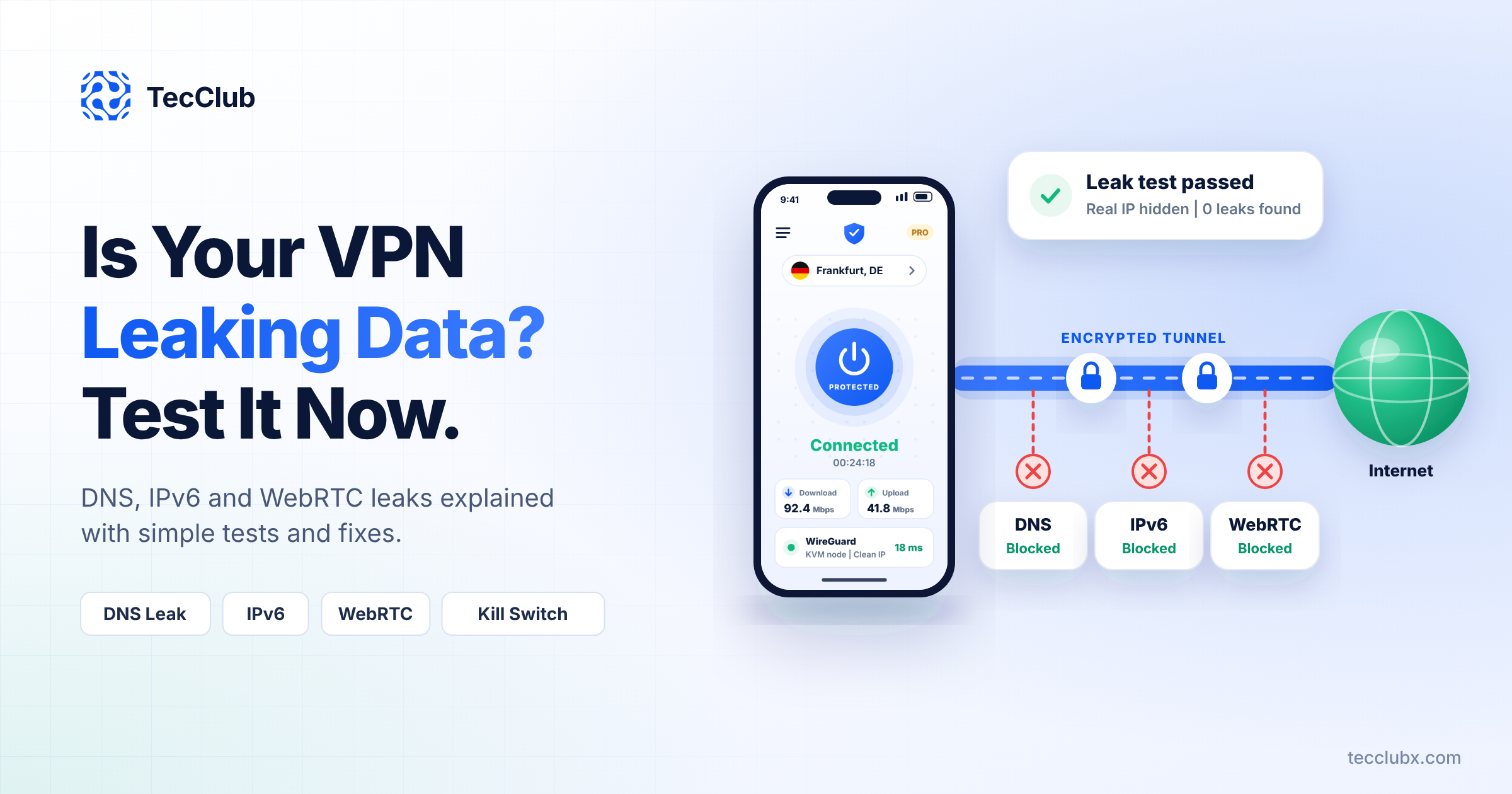

Why Your VPN App Needs a Kill Switch — And How We Build It Right
A VPN has one simple promise: keep users protected online.
But what happens when that VPN disconnects for a moment?
Maybe the Wi-Fi drops.
Maybe the phone switches from mobile data to a hotspot.
Maybe the server hiccups for half a second.
In that tiny gap, the user’s real IP address can slip out — exposed, unprotected, and visible. And that’s all it takes.
This is why a kill switch isn’t a “nice-to-have” feature. It’s a must-have.
At TecClub Technology, we treat the kill switch as a core part of VPN security, not an optional toggle buried in settings. Let’s talk about why it matters — and how we build it so it actually works in the real world.
What a VPN Kill Switch Really Does (In Simple Terms)
A kill switch is very straightforward:
If the VPN isn’t connected, the internet doesn’t work.
The moment the secure tunnel drops, all internet traffic is blocked instantly. When the VPN reconnects safely, access resumes automatically.
No leaks. No gaps. No surprises.
Why This Matters More Than Most People Realize
VPN Connections Drop More Often Than You Think
Even the best VPN connections aren’t perfect. Disconnections happen all the time because of:
-
Weak or unstable Wi-Fi
-
Switching between Wi-Fi and mobile data
-
Public networks in cafés, airports, or hotels
-
Phones going to sleep or limiting background apps
-
Temporary server issues
Without a kill switch, every one of these moments is a privacy risk.
One Second Is Enough to Leak Everything
People often assume leaks only happen during long disconnects. That’s not true.
Even a split-second exposure can reveal:
-
Your real IP address
-
Your physical location
-
DNS requests
-
App and browsing activity
A kill switch exists for that exact moment — the one users never notice.
For Some Users, This Isn’t Optional
Kill switches are especially critical for:
-
Journalists and researchers
-
Remote workers handling sensitive data
-
Businesses protecting internal systems
-
Users in restrictive or monitored regions
-
Anyone using public Wi-Fi
For these users, “mostly secure” isn’t secure at all.
How We Build Kill Switch Protection at TecClub Technology
We don’t rely on a single toggle or basic OS behavior. We build layered, reliable kill switch systems designed to handle real network chaos.
1. System-Level Traffic Blocking
When the VPN disconnects, we don’t just “hope” traffic stops — we enforce it.
We implement rules that:
-
Block all outbound traffic outside the VPN tunnel
-
Prevent the system from falling back to normal internet routes
-
Stop DNS requests immediately
If the VPN isn’t protecting the connection, nothing leaves the device.
2. Constant Connection Monitoring
Our VPN apps are always watching the connection, checking:
-
Tunnel health
-
Server responsiveness
-
Encryption status
The moment something breaks, the kill switch activates — automatically, silently, and instantly.
3. DNS Locking (The Often-Missed Part)
A kill switch without DNS protection is incomplete.
That’s why we:
-
Lock DNS routing inside the VPN
-
Use encrypted custom DNS
-
Prevent the operating system from switching back to ISP DNS
This stops quiet leaks that users never see but trackers love.
4. Smart Auto-Reconnect (So Users Don’t Panic)
When a disconnect happens:
-
Internet traffic is blocked
-
The app automatically reconnects
-
Access is restored only after the tunnel is secure
No manual steps. No confusing error messages. Just protection doing its job.
5. Protocol-Aware Kill Switch Logic
Not all VPN protocols behave the same way.
We tailor kill switch behavior for:
-
WireGuard
-
OpenVPN
-
IKEv2
-
VLESS / VMess
-
Shadowsocks
-
Sing-box
This ensures consistent protection no matter which protocol the user is on.
Making Kill Switches Easy for Real People
Security shouldn’t feel scary or complicated.
That’s why our VPN apps include:
-
Clear kill switch status indicators
-
Simple on/off controls
-
Automatic activation on unsafe networks
-
Friendly explanations for non-technical users
Users should feel protected — not confused.
Standard vs Always-On Kill Switch
We usually offer two options:
Standard Kill Switch
-
Activates only if the VPN drops
-
Ideal for everyday use
Always-On Kill Switch
-
Blocks internet unless the VPN is connected
-
Best for maximum privacy and sensitive work
Different users, different comfort levels — both deserve protection.
A Real-World Example
Someone opens their laptop at a café and connects to public Wi-Fi.
❌ Without a kill switch
VPN drops → real IP exposed → tracking begins.
✅ With our kill switch
VPN drops → internet blocked → no data leaks → VPN reconnects → protection restored.
The user never even notices — and that’s the point.
Why Kill Switches Matter for VPN Products
For VPN businesses, a properly built kill switch:
-
Builds long-term user trust
-
Prevents privacy complaints
-
Sets your app apart from weak competitors
-
Meets modern security expectations
A VPN without a kill switch is unfinished.
Why We Build It This Way
At TecClub Technology, we don’t “add” security later.
We engineer kill switches as:
-
Part of the core network architecture
-
Leak-proof and protocol-aware
-
Compatible with advanced features
-
Scalable for millions of users
Security works best when users never have to think about it.
Final Thoughts
A VPN that leaks — even once — breaks trust.
By building kill switch protection with:
-
Real-time monitoring
-
DNS locking
-
Smart auto-reconnect
-
Protocol-aware logic
We make sure users stay protected, even when networks don’t behave.
At TecClub Technology, we don’t just build VPN apps —
we build confidence, reliability, and trust.