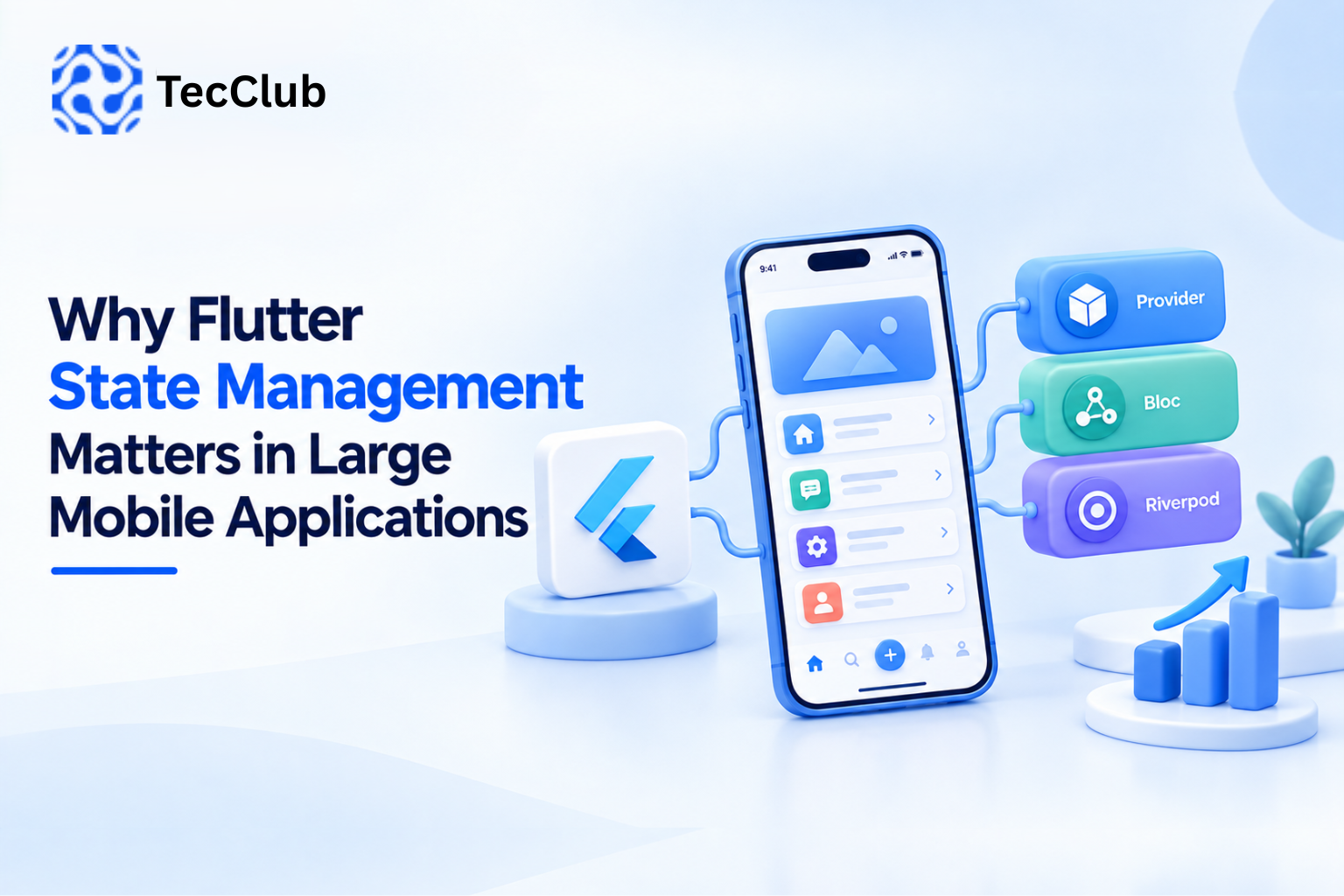
Why Flutter State Management Matters in Large Mobile Applications
Building a small Flutter application can be relatively straightforward. A few screens, some API calls, local data, and basic navigation may be enough to get the product running.
The challenge begins when the application grows.
More screens are added. Multiple developers work on the same codebase. APIs become more complex. Users expect real-time updates. Authentication, subscriptions, notifications, caching, offline behavior, and background processes all start interacting with one another.
At that point, state management becomes an important part of Flutter application architecture.
Good state management is not simply about choosing a package. It is about deciding where application data lives, how it changes, which parts of the interface depend on it, and how those changes move through the application.
1. What Is State in a Flutter Application?
State is any information that can change while an application is running and can affect what the user sees or how the application behaves.
Examples include:
-
Logged-in user information
-
Authentication status
-
Selected language
-
Theme settings
-
Shopping cart contents
-
API responses
-
Loading states
-
Error states
-
Form values
-
Subscription status
-
Notification counts
-
VPN connection status
-
Current server
-
Download progress
Some state belongs to a single screen, while other state needs to be shared across the entire application.
That distinction becomes increasingly important as an application grows.
2. Why Small Applications Can Hide State Problems
In a small application, developers can sometimes manage state directly inside individual widgets.
For example:
Screen
 ├── API request
 ├── Loading state
 ├── Data
 └── Error handling
This can work when the application has only a few screens.
But as the application grows, the same data may be needed by multiple parts of the interface.
The architecture can gradually become:
Screen A
   ↓
Screen B
   ↓
Screen C
   ↓
API
   ↓
Local State
   ↓
Screen D
When responsibilities become mixed together, making changes becomes harder.
State management helps establish clearer boundaries between the user interface, application logic, and data.
3. Local State vs Global State
Not every piece of state needs to be shared.
Local State
Local state belongs to a particular screen or widget.
Examples:
-
Password visibility
-
Selected tab
-
Animation status
-
Temporary form input
-
Expanded/collapsed sections
Keeping these values local can make the code simpler.
Shared State
Shared state is needed by multiple parts of the application.
Examples:
-
Authentication
-
User profile
-
App settings
-
Shopping cart
-
Subscription information
-
Theme
-
Notifications
-
Connectivity status
Trying to manage shared state entirely inside individual widgets can create unnecessary complexity.
4. State Management Improves Separation of Responsibilities
One of the major benefits of structured state management is separation of responsibilities.
Instead of placing everything inside a widget, an application can separate:
UI
Handles presentation.
↓
State / Controller / ViewModel
Handles application state and interaction logic.
↓
Repository / Service
Handles data access.
↓
API / Database
Provides the underlying data.
This structure makes the application easier to understand and maintain.
5. State Management and API Integration
Large mobile applications usually depend heavily on APIs.
An API request can have several states:
Idle
 ↓
Loading
 ↓
Success
Or:
Idle
 ↓
Loading
 ↓
Error
 ↓
Retry
Without a consistent state model, developers may end up implementing loading and error handling differently across dozens of screens.
A centralized approach can provide predictable behavior.
For example:
Initial
Loading
Success(data)
Error(message)
The UI can then react to the current state instead of managing the entire request lifecycle itself.
6. State Management Reduces Unnecessary Rebuilds
Flutter uses a reactive UI model.
When relevant state changes, parts of the widget tree may need to rebuild.
In a large application, inefficient state updates can cause unnecessary widget rebuilds.
This can become particularly noticeable on:
-
Data-heavy screens
-
Complex dashboards
-
Large lists
-
Real-time interfaces
-
Animation-heavy screens
-
Devices with limited resources
Good state architecture helps developers control which components depend on which pieces of state.
The objective is not to prevent every rebuild. Flutter is designed to rebuild widgets efficiently.
The objective is to avoid unnecessary work and keep dependencies clear.
7. State Management Makes Authentication Easier to Handle
Authentication is a common example of application-wide state.
A typical flow may look like:
User Login
   ↓
Authentication API
   ↓
Token Received
   ↓
User State Updated
   ↓
Application UI Updated
Other parts of the application may then need to know whether the user is:
-
Logged out
-
Logging in
-
Authenticated
-
Session expired
-
Logging out
With a structured state management system, authentication changes can be propagated consistently throughout the application.
This can also simplify protected navigation and session handling.
8. State Management and Real-Time Applications
Modern applications increasingly use real-time data.
Examples include:
-
Chat applications
-
Delivery tracking
-
Financial dashboards
-
Collaboration tools
-
Monitoring systems
-
VPN connection monitoring
-
Live notifications
Suppose a VPN application displays:
Connecting...
Connected
Server: Germany
Latency: 84 ms
Data Used: 1.8 GB
Several values may change while the application is open.
Instead of manually updating individual widgets, a state management architecture can expose a central connection state that the UI observes.
When the state changes, the relevant interface components update automatically.
9. State Management and Offline Functionality
Large applications cannot always assume that users have a stable internet connection.
Mobile users may experience:
-
Poor cellular coverage
-
Wi-Fi interruptions
-
Airplane mode
-
Temporary server failures
-
Network switching
Applications with offline functionality often need to manage multiple sources of state.
For example:
Remote API
     ↓
Repository
     ↓
Local Cache
     ↓
Application State
     ↓
UI
The application can display cached information while waiting for updated server data.
This architecture can provide a smoother experience when connectivity is inconsistent.
10. State Management and Navigation
Navigation can also depend on application state.
For example:
Not Authenticated
       ↓
Login Screen
After authentication:
Authenticated
       ↓
Home Screen
If the user's session expires:
Session Expired
       ↓
Login Screen
When navigation decisions are connected to a consistent application state, developers can reduce duplicated authentication checks across individual screens.
11. Choosing a Flutter State Management Approach
Flutter developers have several approaches available.
Common choices include:
-
Provider
-
Riverpod
-
Bloc
-
Cubit
-
GetX
-
ValueNotifier
-
ChangeNotifier
-
InheritedWidget
-
Other architecture-specific solutions
The important question is not simply:
“Which state management package is the best?”
Instead, developers should consider:
-
Application size
-
Team experience
-
Project architecture
-
Testing requirements
-
Complexity of business logic
-
Long-term maintenance
-
Dependency requirements
-
Existing codebase
-
Performance requirements
A simple application does not necessarily need a highly complex state architecture.
12. State Management and Team Development
Large applications are often developed by multiple developers.
Without clear architectural rules, different developers may manage state in completely different ways.
One screen might use local variables.
Another might use Provider.
Another might use a custom controller.
Another might place API logic directly inside widgets.
Over time, this creates inconsistency.
A defined state-management strategy gives the development team a common structure.
For example:
Presentation
     ↓
State Layer
     ↓
Repository
     ↓
Data Source
Developers can then follow the same pattern when adding new features.
13. State Management Improves Testing
Business logic should ideally be testable without requiring the entire user interface.
Consider a subscription application.
The state may depend on:
-
Current plan
-
Payment status
-
Expiration date
-
User authentication
-
Server response
If this logic is tightly coupled to widgets, testing becomes more difficult.
With separated state and business logic, developers can test scenarios such as:
Active Subscription
Expired Subscription
Payment Failed
No Subscription
Server Error
without manually interacting with every screen.
This makes automated testing easier to organize.
14. State Management and Large Forms
Large applications often contain complex forms.
Examples include:
-
Registration
-
Checkout
-
KYC
-
Profile management
-
Business onboarding
-
Booking
-
Subscription configuration
A form may contain dozens of fields and validation rules.
Managing every value independently inside widgets can quickly become difficult.
A structured state model can track:
-
Field values
-
Validation errors
-
Submission status
-
API response
-
Loading state
-
Success state
This creates a more predictable form workflow.
15. State Management for E-Commerce Applications
Consider an e-commerce application.
The product page may update:
Selected Size
Selected Color
Quantity
The cart needs:
Products
Quantities
Subtotal
Discount
Shipping
Total
The checkout screen needs:
Address
Payment Method
Order Status
These screens are connected.
A well-designed state architecture allows the application to maintain the correct information as the user moves between screens without duplicating data unnecessarily.
16. State Management in SaaS Applications
SaaS mobile applications can be even more state-heavy.
A user may have:
-
Account information
-
Organization
-
Permissions
-
Subscription
-
Notifications
-
Dashboard data
-
Recent activity
-
Preferences
-
Cached data
Different screens may depend on the same information.
Centralized and well-structured state management can help prevent inconsistent UI behavior.
For example, when a subscription changes, multiple parts of the application may need to update:
Subscription State
       ↓
Account Screen
       ↓
Feature Access
       ↓
Billing Screen
       ↓
Dashboard
17. Avoiding a Single Giant State
Centralizing state does not mean putting everything into one massive state object.
That can create a different problem.
Instead, large applications can divide state into logical domains.
For example:
Authentication State
        ↓
User State
        ↓
Subscription State
        ↓
Notification State
        ↓
Product State
        ↓
Application Settings
Each domain can have clear responsibilities.
This makes the application easier to reason about as it grows.
18. State Management and Caching
Caching is another area where state management becomes important.
Suppose an application retrieves a user's profile from an API.
Instead of requesting the same information repeatedly, the application may maintain cached data.
A simplified flow could be:
UI
 ↓
State
 ↓
Repository
 ↓
Cache
 ↓
API
The repository can determine whether fresh data is required or whether cached information can be used.
This can reduce unnecessary network requests and improve perceived performance.
19. Handling Loading and Error States Properly
A professional mobile application should not treat API responses as only “success” or “failure.”
There can be multiple states:
Initial
Loading
Refreshing
Success
Empty
Error
Retrying
For example, an empty product list is not necessarily an API error.
Similarly, refreshing existing data is different from loading data for the first time.
A clear state model lets the UI represent these situations appropriately.
20. State Management and Maintainability
One of the biggest benefits of good state management may not be visible to users.
It is easier maintenance.
When developers need to modify a feature months after launch, they need to understand:
-
Where the state is stored
-
Who changes it
-
Which screens depend on it
-
Where API requests are made
-
How errors are handled
-
What happens when the user leaves the screen
Clear state architecture reduces the amount of guesswork required.
21. Common State Management Mistakes
Putting Business Logic Inside Widgets
Widgets should primarily handle presentation rather than becoming large containers for business logic.
Sharing Everything Globally
Not every variable needs application-wide state.
Mixing Multiple Patterns Without a Reason
Using different approaches throughout the same application can make the codebase harder to understand.
Ignoring Error States
Applications should model errors as part of normal application behavior.
Creating Overly Complex State
Architecture should solve problems rather than introduce unnecessary abstraction.
Forgetting State Persistence
Some information needs to survive application restarts, while other state should disappear. These requirements should be considered separately.
22. A Practical Architecture for Large Flutter Applications
A scalable Flutter application might follow a structure such as:
Flutter UI
    ↓
Presentation / Controllers
    ↓
State Management
    ↓
Business Logic
    ↓
Repositories
    ↓
API / Local Database / Cache
This does not mean every project must use exactly this structure.
The architecture should match the application's requirements.
The important principle is separation of concerns.
23. State Management and Long-Term Scalability
An application that starts with ten screens may eventually have:
-
50+ screens
-
Multiple APIs
-
Several user roles
-
Real-time features
-
Offline functionality
-
Subscription systems
-
Push notifications
-
Analytics
-
Background services
The earlier the team establishes clear architectural boundaries, the easier it becomes to add features without making the codebase increasingly difficult to maintain.
State management therefore becomes an architectural decision rather than merely a UI implementation detail.
How TecClub Technology Uses Structured Flutter Architecture
At TecClub Technology, we build Flutter applications with scalability and maintainability in mind.
Depending on the project requirements, our Flutter development approach can include:
-
Custom Android and iOS applications
-
Cross-platform Flutter development
-
API integration
-
Laravel backend integration
-
Authentication systems
-
Subscription management
-
Real-time application features
-
Push notifications
-
Offline and cached data
-
State management architecture
-
Firebase integration
-
REST API integration
-
Custom dashboards
-
SaaS mobile applications
-
AI-powered mobile applications
For larger applications, we focus on keeping UI components, business logic, API communication, and application state organized into clear layers.
This helps create a codebase that can evolve as the product grows rather than requiring major restructuring every time a new feature is introduced.
Conclusion
State management is one of the foundations of a scalable Flutter application.
As an application grows, more features begin sharing data and depending on one another. Authentication, APIs, subscriptions, notifications, caching, real-time updates, and offline functionality can all introduce additional state.
A well-designed state management strategy helps developers keep these interactions organized.
The goal is not to use the most complicated architecture or the most popular package. The goal is to create a system where application state is predictable, business logic is separated from presentation, and new features can be added without unnecessary complexity.
For large Flutter applications, good state management is ultimately about building a codebase that remains manageable as the product grows.