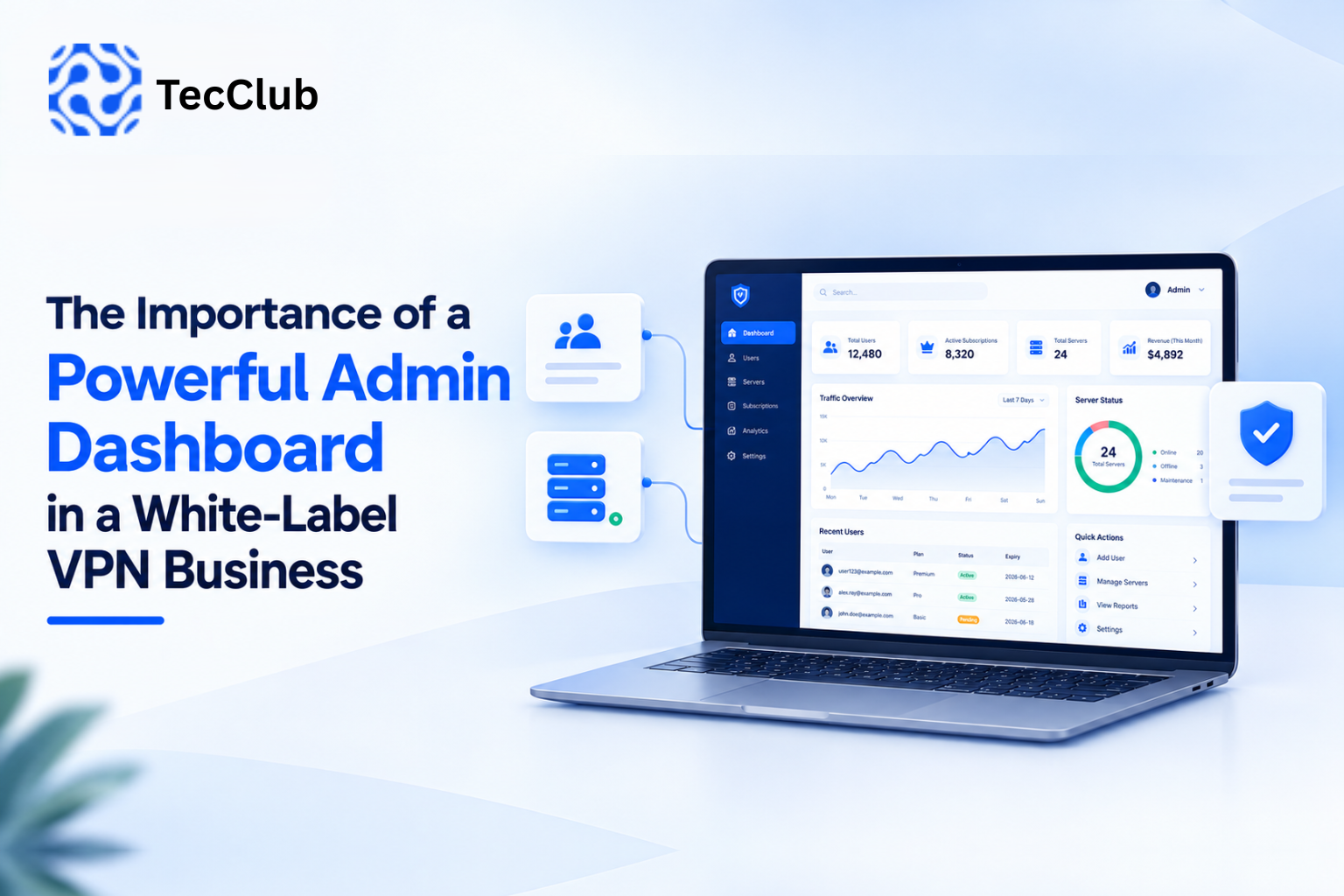
The Importance of a Powerful Admin Dashboard in a White-Label VPN Business
Launching a white-label VPN business is not only about having branded applications and VPN servers.
Once users start subscribing, the business needs a central system to manage users, subscriptions, servers, connections, plans, usage, and operational settings.
That is where a powerful VPN admin dashboard becomes essential.
A well-designed dashboard gives the business a single place to monitor and control the platform. Current white-label VPN platforms commonly position centralized dashboards around functions such as user management, server management, subscriptions, analytics, and operational monitoring.
1. What Is a White-Label VPN Admin Dashboard?
A white-label VPN admin dashboard is a centralized management interface used by the business owner or technical team to operate the VPN service.
Instead of managing individual systems separately, administrators can access important functions from one platform.
A typical architecture looks like:
                 Admin
                   ↓
            Admin Dashboard
                   ↓
        ┌──────────┼──────────┐
        ↓          ↓          ↓
      Users      Servers   Subscriptions
        ↓          ↓          ↓
        └──────── Backend ────┘
                   ↓
             VPN Apps
                   ↓
               Customers
The dashboard effectively becomes the control center of the VPN business.
2. Why the Dashboard Matters
Without centralized management, operating a growing VPN service can become difficult.
Administrators may need to work with separate systems for:
- Customer accounts
- VPN servers
- Subscription plans
- Billing
- Server status
- Usage information
- Support requests
- Application configuration
A centralized dashboard brings these operations together.
This approach is already used across VPN management platforms, where dashboards provide centralized visibility into users, servers, subscriptions, and operational statistics.
3. User Management
One of the most important parts of a VPN admin panel is user management.
Administrators should be able to view and manage customer accounts without accessing the database directly.
Depending on the platform, the dashboard can provide:
- User registration information
- Account status
- Subscription information
- Expiration dates
- Device information
- Connection status
- Assigned plans
- Usage information
- Account suspension
- Account activation
For example:
Customer
   ↓
Account
   ↓
Subscription
   ↓
Devices
   ↓
VPN Access
A centralized user-management system can make customer support and daily administration considerably easier.
4. Subscription Management
A VPN business usually operates around recurring or time-based subscriptions.
The dashboard should therefore make it easy to manage:
- Subscription plans
- Plan duration
- Pricing
- Renewal status
- Expiration dates
- Device limits
- User access
- Promotional offers
When a subscription expires, the platform can apply the appropriate access rules automatically.
Modern VPN management platforms commonly combine subscription management with user and server administration rather than treating these as isolated systems.
5. Server Management
A VPN business can start with a small number of servers and expand into multiple locations.
Managing those servers manually becomes increasingly difficult as the network grows.
An admin dashboard can provide a centralized view of:
- Server locations
- Server status
- Availability
- Load
- Uptime
- Connected users
- Bandwidth usage
- Protocol configuration
For example:
Server       Location       Status       Load
------------------------------------------------
Server 01    Germany        Online       42%
Server 02    Singapore      Online       61%
Server 03    USA            Online       37%
Server 04    Japan          Warning      89%
This gives administrators a quick overview of the infrastructure.
Centralized server monitoring and management are common features in VPN administration platforms.
6. Real-Time Monitoring
A dashboard becomes much more useful when it provides current operational information.
Administrators may want to monitor:
- Active users
- Online connections
- Server health
- Traffic volume
- Bandwidth consumption
- Server load
- Failed connections
- Infrastructure alerts
Instead of discovering a server problem from customer complaints, the operations team can potentially identify unusual conditions through monitoring.
The exact level of real-time information depends on how the monitoring system and VPN infrastructure are implemented.
7. Analytics and Reports
A VPN business needs more than a list of users.
Analytics can help administrators understand how the platform is being used.
Useful dashboard metrics can include:
- Total users
- Active users
- New registrations
- Expiring subscriptions
- Renewals
- Server utilization
- Traffic consumption
- Popular locations
- Connection trends
For example:
Total Users        12,480
Active Users        9,730
Online Now          1,284
Active Servers          48
Expiring Soon         317
Analytics can help the business identify operational trends and determine where infrastructure or product changes may be needed.
8. Managing VPN Server Locations
A growing VPN service may add new countries and cities over time.
An admin dashboard can provide a central place to manage those locations.
For example:
Europe
 ├── Germany
 ├── Netherlands
 ├── France
 └── United Kingdom

Asia
 ├── Singapore
 ├── Japan
 └── India

North America
 ├── United States
 └── Canada
Administrators can associate servers with locations and control which locations are available to customers.
9. Protocol Management
Modern VPN platforms may support multiple protocols.
Depending on the architecture, the dashboard can help administrators manage configurations involving technologies such as:
- WireGuard
- OpenVPN
- IKEv2/IPsec
- VLESS
- VMess
- Shadowsocks
- Sing-box
- Hysteria
Protocol availability can vary by application, operating system, server, and business requirements.
A centralized dashboard can make it easier to control which connection options are available rather than modifying individual applications manually.
10. Managing User Access
A powerful dashboard should provide control over who can access the VPN service.
For example, administrators may need to:
- Activate accounts
- Suspend accounts
- Renew subscriptions
- Change plans
- Reset credentials
- Revoke access
- Apply device limits
This creates a connection between business operations and technical access control.
Subscription Status
        ↓
Access Rules
        ↓
VPN Account
        ↓
VPN Application
When these systems are integrated correctly, account changes can propagate through the platform without requiring manual configuration on every device.
11. Reseller Management
If the VPN business operates a reseller program, the dashboard can include reseller-specific functionality.
For example:
Main Admin
↓
Resellers
↓
Reseller Customers
This can allow the business to manage:
- Reseller accounts
- Credits
- Customer limits
- Plans
- Expiry
- Usage
- Permissions
The exact model depends on the business structure, but reseller management can become particularly important when a VPN service is designed to support multiple sales channels.
12. Billing and Payment Integration
The admin dashboard can also connect business operations with the billing system.
Possible functionality includes:
- Subscription plans
- Invoices
- Payment status
- Renewals
- Discounts
- Coupons
- Refund workflows
- Payment gateways
Some current VPN management platforms integrate billing and subscription operations directly into their administrative systems.
This reduces the need to manually synchronize payment information with VPN access.
13. API Integration
A modern white-label VPN platform should not treat the admin dashboard as an isolated application.
An API layer can connect the dashboard with:
- Mobile applications
- Desktop applications
- Backend services
- Payment systems
- Server infrastructure
- Subscription systems
- External services
A simplified architecture might look like:
                    Admin Dashboard
                           ↓
                         API
                           ↓
              ┌────────────┼────────────┐
              ↓             ↓            ↓
          VPN Apps       Database     Servers
              ↓
          Customers
This API-driven approach makes it easier to synchronize information across the platform.
14. Customer Support Becomes Easier
When a customer reports a connection problem, support staff may need information about the account and its current state.
A dashboard can provide information such as:
- Account status
- Subscription
- Assigned server
- Device count
- Connection information
- Recent activity
- Available locations
Instead of asking the customer for technical details that they may not understand, support staff can investigate from the management interface.
15. Security and Administrative Access
The dashboard itself controls important business and infrastructure functions.
That means it needs strong security.
Important considerations can include:
- Secure administrator authentication
- Role-based permissions
- Multi-factor authentication
- Session management
- Audit logging
- Secure API authentication
- Encryption in transit
- Restricted administrative access
Not every employee needs access to every function.
For example:
Super Admin
   ↓
Full Platform Access

Operations Admin
   ↓
Servers + Monitoring

Support Agent
   ↓
Users + Subscriptions

Finance
   ↓
Billing + Reports
Role-based access can reduce unnecessary administrative privileges.
16. Dashboard Performance Matters Too
A dashboard can contain a large amount of information.
If poorly designed, it can become slow as the number of users, servers, and records increases.
A scalable dashboard may need:
- Efficient database queries
- Pagination
- Caching
- Background processing
- Optimized APIs
- Queue workers
- Proper database indexing
This is especially important when analytics and monitoring data are being collected continuously.
The goal should be to make the dashboard useful without turning it into another performance bottleneck.
17. Automation Reduces Manual Work
One of the biggest advantages of a centralized dashboard is automation.
For example:
Payment Received
      ↓
Subscription Activated
      ↓
User Access Updated
      ↓
VPN Configuration Available
      ↓
Customer Connects
Another workflow might be:
Subscription Expires
      ↓
Access Status Updated
      ↓
VPN Access Restricted
      ↓
Customer Notified
Automation reduces repetitive administrative work and helps keep different parts of the platform synchronized.
18. Why a Dashboard Becomes More Important as the Business Grows
A small VPN service may initially be manageable with basic tools.
But as the business grows, the number of:
- Customers
- Servers
- Locations
- Subscriptions
- Resellers
- Support requests
- Connections
also grows.
At that point, centralized management becomes increasingly valuable.
The dashboard essentially evolves from a simple control panel into the operational layer of the VPN business.
19. What a Complete White-Label VPN Dashboard Can Include
A comprehensive dashboard could include:
User Management
- Customer accounts
- Device management
- Account status
- Access controls
Server Management
- Locations
- Server status
- Load
- Uptime
- Monitoring
Subscription Management
- Plans
- Renewals
- Expiration
- Device limits
Analytics
- Users
- Connections
- Traffic
- Server utilization
Reseller Management
- Reseller accounts
- Credits
- Customers
- Plans
Billing
- Payments
- Invoices
- Coupons
- Renewals
Support
- Tickets
- Customer information
- Account activity
Platform Settings
- Branding
- API settings
- Protocol configuration
- Application configuration
The exact feature set should be based on the business model and infrastructure rather than simply adding every possible feature.
How TecClub Technology Can Build the Admin Layer
At TecClub Technology, a white-label VPN platform can be structured around a centralized backend and administrative dashboard.
Depending on project requirements, the platform can include:
- User management
- Subscription management
- Server management
- Server monitoring
- Usage analytics
- VPN configuration management
- Reseller management
- API integration
- Admin roles and permissions
- Application configuration
- Reporting
- Android and iOS integration
- Windows and macOS integration
The dashboard can be designed to connect the business's VPN applications, backend, server infrastructure, and subscription system through a unified management layer.
Conclusion
A white-label VPN business needs more than branded applications.
Behind every customer-facing VPN app is a system that needs to manage users, subscriptions, servers, protocols, access, monitoring, and operational data.
A powerful admin dashboard brings those functions together.
The basic structure is:
Users + Subscriptions + Servers + Analytics + Billing + APIs → Centralized Admin Dashboard
When properly designed, the dashboard can make day-to-day operations easier, provide better visibility into the infrastructure, and create a foundation that can grow alongside the VPN business.
For a white-label VPN product, the dashboard isn't simply an extra feature. It is the operational control center connecting the business with its underlying technology.