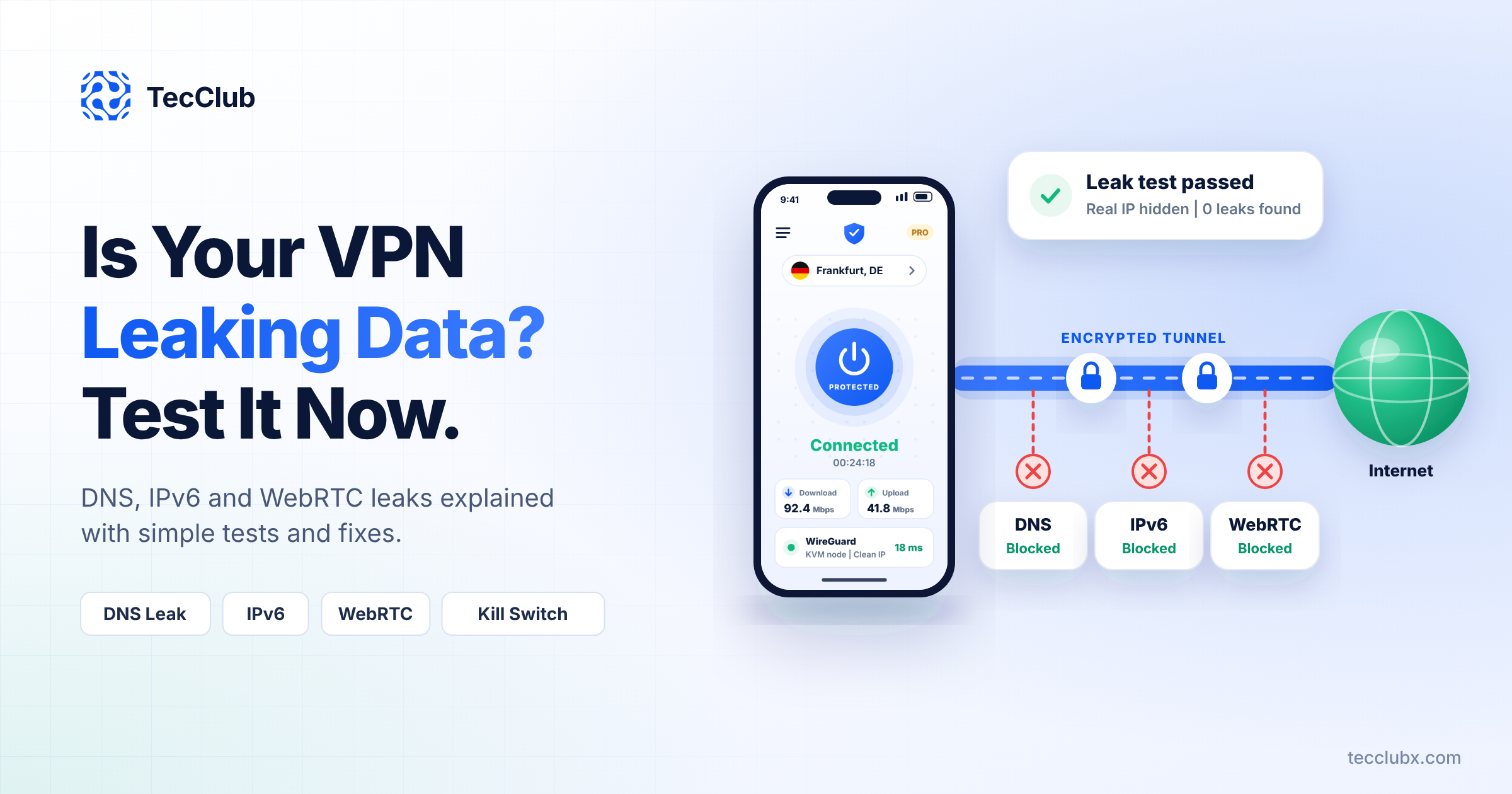

We all know how mobile internet behaves.
One minute everything is fast and smooth…
the next minute your signal drops, switches to data, or just slows down for no reason.
Now imagine trying to keep a VPN connected in that situation.
It’s not easy.
But good VPN apps are designed for exactly this kind of chaos.
At TecClub Technology, we build VPN apps that don’t panic when the network changes—they adjust quietly and keep things running.
The Problem with Mobile Networks
Mobile networks are unpredictable.
You might:
- move out of Wi-Fi range
- switch to mobile data
- hit a weak signal area
- connect to public Wi-Fi
All of this can break a normal connection.
So if a VPN isn’t built properly, it will keep disconnecting—and that’s where users get frustrated.
So How Do VPN Apps Stay Stable?
1. They Reconnect… Instantly
Disconnections happen. That’s normal.
What matters is how fast the app reacts.
A well-built VPN:
- notices the drop immediately
- reconnects in the background
- restores your secure connection in seconds
Most of the time, you won’t even realize anything happened.
2. They Handle Network Switching Smoothly
You go from Wi-Fi → mobile data → maybe a hotspot.
Instead of breaking, a good VPN:
- detects the change
- quickly reconnects
- keeps your session alive
So your browsing, streaming, or work continues without interruption.
3. They Pick the Right Technology Automatically
Different networks need different approaches.
So instead of forcing one method, VPN apps use:
- fast options when your network is strong
- more stable ones when things get shaky
You don’t see this happening—but it makes a big difference.
4. They Adjust on the Fly
Your connection quality is always changing.
Good VPN apps keep checking:
- speed
- stability
- delays
If things get worse, they adjust automatically to keep things smooth.
No settings, no manual changes—just quiet adjustments.
5. They Stay Active in the Background
Even when you’re not looking at the app, it’s still working.
It:
- keeps the connection alive
- prevents random disconnects
- makes sure you stay protected
So you don’t have to keep reopening the app.
6. They Connect You to the Best Server
Not all servers perform the same.
So instead of making you choose, the app:
- finds the fastest option
- avoids overloaded servers
- switches if needed
You just get a better connection without thinking about it.
7. They Work Quietly (Without Killing Your Battery)
All of this sounds heavy—but it’s not.
Everything runs in the background in a smart way:
- only when needed
- without constant activity
- without draining your phone
So you stay connected and keep your battery.
8. They Handle Weak Signals Smartly
Mobile networks can be messy:
- delays
- lost data
- unstable signals
VPN apps deal with this by:
- retrying data
- adjusting how traffic is sent
- switching routes if needed
This keeps things usable even when the network isn’t great.
9. They Keep You Safe—Even During Drops
Here’s the important part.
Even if the connection breaks for a moment, a good VPN:
- blocks traffic instantly (kill switch)
- prevents your real IP from showing
- reconnects securely
So your privacy is never exposed.
How We Build It at TecClub Technology
At TecClub Technology, we design VPN apps for real-life usage—not perfect conditions.
That means:
- unstable networks
- constant switching
- unpredictable signals
And our apps are built to handle all of it automatically.
No manual fixes. No confusion.
Final Thoughts
Mobile internet isn’t reliable—but your VPN should feel like it is.
A good VPN doesn’t just connect…
it adapts, recovers, and keeps going without bothering you.
That’s what makes the experience feel smooth.
At TecClub Technology, we focus on exactly that—
making powerful security feel simple, stable, and invisible.