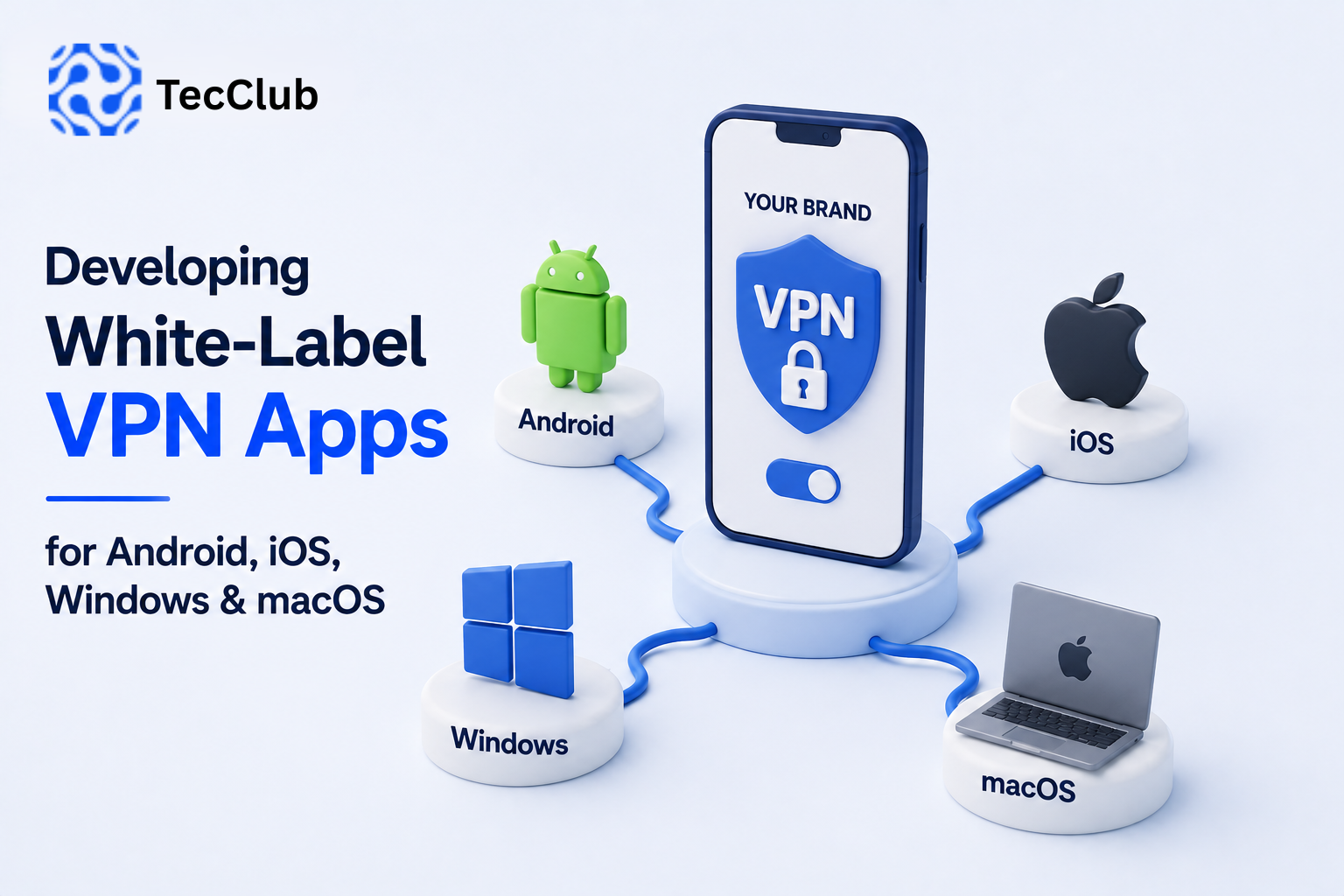
Developing White-Label VPN Apps for Android, iOS, Windows & macOS
Launching a successful VPN brand means more than simply having a VPN server. Today's users expect a consistent experience across their phones, tablets, laptops, and desktop computers.
That means businesses launching a white-label VPN service often need applications for Android, iOS, Windows, and macOS.
However, developing and maintaining separate VPN applications for multiple platforms can be technically challenging. Each operating system has different security requirements, networking frameworks, design guidelines, and VPN integration methods.
A well-designed white-label VPN solution helps businesses launch across multiple platforms while maintaining a consistent brand and user experience.
At TecClub Technology, we build customizable VPN applications and infrastructure designed to support businesses launching their own branded VPN services.
Why Multi-Platform VPN Apps Matter
VPN users rarely use just one device.
A customer may use:
- An Android phone
- An iPhone
- A Windows laptop
- A macOS computer
- Multiple devices under the same account
If your VPN service only supports one platform, you may limit its usefulness for customers.
A multi-platform approach allows users to access the same VPN service across their preferred devices while using one account and subscription.
The Challenge of Developing for Multiple Platforms
Developing a VPN app for Android is different from developing one for iOS, Windows, or macOS.
Each platform has its own requirements for:
- VPN permissions
- Networking APIs
- Security architecture
- Background processes
- App lifecycle management
- User interface design
- System integration
- Store and distribution requirements
Because of these differences, simply copying the same application from one platform to another is usually not enough.
The goal is to maintain consistent functionality and branding while adapting the application to the requirements of each operating system.
1. Developing White-Label VPN Apps for Android
Android provides flexibility for VPN application development and supports system-level VPN integration.
A white-label Android VPN app can include features such as:
- One-tap connection
- Server selection
- Automatic server selection
- Multiple VPN protocols
- Kill switch
- Split tunneling
- Auto-connect
- Dark mode
- Subscription management
- Usage statistics
The application can be customized with your:
- Brand name
- Logo
- App icon
- Color scheme
- Server list
- Subscription plans
- User interface
This allows businesses to create an Android VPN app that matches their brand rather than using a generic interface.
2. Developing White-Label VPN Apps for iOS
iOS VPN development requires a different approach because of Apple's security model and system requirements.
The application must integrate with the appropriate VPN and networking frameworks while providing a simple user experience.
Common features can include:
- Secure VPN connection
- Server selection
- Auto-connect
- Connection status
- Subscription access
- Account management
- Multiple device support
- Protocol configuration
The user interface should also follow iOS design expectations while maintaining your overall brand identity.
A good white-label approach does not mean creating an identical Android interface. Instead, it means providing a consistent brand experience adapted for each platform.
3. Developing White-Label VPN Apps for Windows
Windows applications provide another important platform for VPN businesses.
Desktop users may expect features such as:
- Quick connect
- Server selection
- Connection status
- Protocol selection
- Auto-connect
- Kill switch
- System tray controls
- Account management
Windows development also requires attention to:
- Background services
- System networking
- Updates
- Different Windows versions
- Connection recovery
A properly designed VPN client should make these technical processes simple for the user.
4. Developing White-Label VPN Apps for macOS
macOS users expect a polished experience that integrates naturally with the operating system.
A white-label macOS VPN application can provide:
- Quick VPN connection
- Server selection
- Connection monitoring
- Account access
- Automatic reconnection
- Protocol support
- Menu bar controls
Like other platforms, the application must balance security and technical functionality with a simple user experience.
Maintaining a Consistent Experience Across Platforms
One of the biggest challenges in multi-platform development is consistency.
Your Android, iOS, Windows, and macOS apps should feel like part of the same product.
This includes consistency in:
- Branding
- Colors
- Typography
- Icons
- Navigation
- Core features
- Account management
- Subscription experience
However, consistency does not mean making every app look exactly the same.
Each operating system has different user expectations. A successful design maintains the same brand identity and core experience while respecting platform-specific design patterns.
Building a Shared VPN Backend
While the applications may be different, they can connect to the same backend infrastructure.
A centralized VPN backend can manage:
- User accounts
- Authentication
- Subscriptions
- Device limits
- VPN configurations
- Server information
- Connection permissions
- User status
The applications communicate with the backend through APIs.
A simplified architecture might look like this:
Android App
↓
iOS App
↓
Windows App
↓
macOS App
↓
VPN API & Backend
↓
VPN Server Network
This approach allows businesses to manage users and subscriptions from one centralized system.
Supporting Multiple VPN Protocols
Different platforms and networks may require different connection technologies.
Depending on the infrastructure, a white-label VPN platform may support protocols and technologies such as:
- WireGuard
- OpenVPN
- IKEv2/IPSec
- VLESS
- Shadowsocks
- Sing-box-based configurations
The backend can manage and deliver the appropriate configuration to supported applications.
This gives businesses more flexibility when designing their VPN service.
Subscription Management Across Devices
A multi-platform VPN service should provide a consistent subscription experience.
For example, a customer may:
- Purchase a subscription on an Android phone.
- Sign in on a Windows laptop.
- Use the same account on a macOS computer.
- Manage their subscription from any supported platform.
The backend can enforce the device limits associated with the user's subscription.
For example:
Basic Plan → 2 Devices
Premium Plan → 5 Devices
Business Plan → Multiple Managed Users
This makes subscription management easier for both customers and administrators.
The Importance of Security
VPN applications handle sensitive network activity, so security should be considered throughout the development process.
Important areas include:
- Secure authentication
- Protected API communication
- Secure token management
- Encrypted VPN tunnels
- Certificate handling
- Connection monitoring
- Leak prevention
- Secure session management
Security should not be treated as a feature added at the end of development. It should be part of the application's architecture from the beginning.
Handling Network Changes and Connection Recovery
Users frequently switch between networks.
For example:
Wi-Fi → Mobile Data
or
Office Wi-Fi → Home Wi-Fi
A VPN application needs to handle these changes carefully.
Depending on the platform and configuration, the app may:
- Detect network changes
- Re-establish the VPN connection
- Update the connection state
- Apply leak-protection rules where supported
- Select an appropriate server
Reliable connection recovery can significantly improve the user experience.
Centralized Updates and Maintenance
Launching an app is only the beginning.
A multi-platform VPN product requires ongoing maintenance for:
- Operating system updates
- Security updates
- Bug fixes
- Performance improvements
- Backend changes
- Protocol updates
- New features
A centralized development strategy can make it easier to maintain consistency between platforms.
For example, shared backend APIs and standardized business logic can reduce duplication while allowing each application to handle platform-specific VPN functionality.
Challenges of Multi-Platform White-Label VPN Development
Developing for four major platforms creates several challenges.
Platform-Specific VPN Integration
Each operating system handles VPN connections differently.
Feature Consistency
A feature available on one platform may require a different implementation on another.
UI Differences
Android, iOS, Windows, and macOS users have different design expectations.
Testing
The applications need to be tested across different devices, operating system versions, networks, and connection conditions.
App Maintenance
Operating system updates can affect networking behavior and application compatibility.
A strong development process helps identify and manage these differences before they affect users.
A Typical White-Label VPN Development Process
A multi-platform VPN project can follow a structured process:
Step 1: Define the Business Requirements
Identify:
- Target users
- Required platforms
- VPN protocols
- Core features
- Subscription model
- Branding requirements
Step 2: Design the Brand Experience
Customize:
- Logo
- Colors
- Typography
- App icon
- Screens
- Onboarding flow
Step 3: Configure the Backend
Set up:
- Authentication
- APIs
- User management
- Subscription management
- Device limits
- Server management
Step 4: Develop the Applications
Build and customize applications for:
- Android
- iOS
- Windows
- macOS
Step 5: Integrate VPN Technology
Connect each platform with the appropriate VPN infrastructure and supported protocols.
Step 6: Test Across Platforms
Test:
- Connections
- Network switching
- Authentication
- Server selection
- Subscription validation
- Device limits
- Error handling
- Performance
Step 7: Deploy and Maintain
Launch the applications and continue monitoring performance, security, and user feedback.
How TecClub Technology Develops White-Label VPN Apps
At TecClub Technology, we develop white-label and custom VPN solutions based on the requirements of each business.
Depending on the project, our solutions can include:
- Android VPN apps
- iOS VPN apps
- Windows VPN applications
- macOS VPN applications
- Custom branding and UI/UX
- VPN backend development
- API integration
- User authentication
- Subscription management
- Admin dashboards
- Device management
- Multi-protocol support
- Server deployment
- Load balancing
- Monitoring and analytics
Businesses can choose a complete white-label solution or focus on specific components such as the backend, APIs, infrastructure, or custom applications.
Why White-Label Development Can Be a Smart Approach
Building four separate VPN applications and the supporting infrastructure from scratch requires significant development resources.
A white-label foundation can help reduce the amount of work required to launch while still allowing businesses to customize important parts of the product.
This can help businesses:
- Launch faster
- Reduce initial development work
- Maintain consistent branding
- Support multiple platforms
- Use centralized infrastructure
- Manage subscriptions more efficiently
- Scale as the user base grows
The level of customization can vary depending on the business requirements.
Conclusion
Developing white-label VPN apps for Android, iOS, Windows, and macOS requires more than changing an app's logo and colors. Each platform has different technical requirements, user expectations, and approaches to VPN integration.
A successful multi-platform strategy combines platform-specific development with a shared backend, centralized user management, consistent branding, and scalable infrastructure.
For entrepreneurs and businesses launching their own VPN service, a flexible white-label solution can reduce the complexity of multi-platform development while allowing them to focus on building their brand and growing their customer base.
At TecClub Technology, we build customizable VPN applications, backend infrastructure, APIs, subscription systems, and multi-platform solutions designed to support businesses at different stages of growth.