
Developing a VPN with Kill Switch, Split Tunneling & Auto-Connect Features
Creating a modern VPN isn’t just about encryption algorithms and protocols anymore. Today’s users want something deeper: peace of mind, effortless protection, and an app that feels smart enough to take care of them without constantly being told what to do.
That’s why, when we build VPN apps, we focus heavily on three features that truly shape a premium, reliable, and user-friendly VPN experience: Kill Switch, Split Tunneling, and Auto-Connect.
These features may look like simple toggles in the settings, but behind them is a blend of thoughtful engineering, clever automation, and a lot of attention to the small details that make a VPN feel trustworthy.
Let’s break down how we bring them to life.
1. Kill Switch — Your Last Line of Defense
A Kill Switch is like having a loyal bodyguard standing next to your internet connection 24/7.
If the VPN tunnel drops—even for a blink—your internet gets blocked instantly. No accidental leaks, no exposure, no surprises.
How We Build It
We approach the Kill Switch from two angles, so users get complete protection:
🌐 OS-Level Kill Switch
This is where the operating system helps enforce strict routing:
-
Android: We use VpnService APIs to ensure every packet goes through the encrypted tunnel—and nowhere else.
-
iOS: Network Extension frameworks allow us to lock down traffic at the system level.
This is the “deep integration” layer that keeps everything airtight.
🛡 App-Level Kill Switch
This is our extra shield on top:
-
It monitors VPN status in real-time
-
Cuts off Wi-Fi or mobile data the moment something breaks
-
Blocks all traffic until the VPN is safely reconnected
Think of it as a second lock on your front door.
💡 Result
Whether the server drops, Wi-Fi glitches, or you switch networks, your data never leaks for even a second. The protection stays exactly where it should—around you.
2. Split Tunneling — Flexibility Meets Performance
Split Tunneling is all about giving users freedom. Not every app needs the VPN, and sometimes local traffic needs to bypass it for speed or compatibility.
Instead of forcing everything through one pipe, Split Tunneling lets users choose what goes where.
How We Engineer Split Tunneling
We support two modes to give users total control:
📌 App-Based Split Tunneling
Users can choose apps that:
-
should use the VPN
-
or should skip it altogether
Under the hood:
-
Android: Uses
addAllowedApplication()/addDisallowedApplication() -
iOS: Uses per-app VPN configurations
It sounds technical, but in the UI, it feels effortless.
📌 URL / Domain-Based Split Tunneling
For more advanced setups:
-
Users can route specific websites through the VPN
-
Local banking apps can bypass it
-
Streaming sites can get faster speeds
-
Intranet tools stay local
It’s precision routing—without the complexity.
💡 Why It Matters
Split Tunneling improves:
-
Speed
-
Streaming quality
-
Battery life
-
Access to local networks and services
It makes the VPN feel lighter, smarter, and more personalized.
3. Auto-Connect — Always Protected, Never Interrupted
Let’s be honest: most people forget to turn on their VPN. Not because they don’t care—life just gets busy.
That’s why Auto-Connect exists. It keeps users protected before they even realize they need it.
How We Build Auto-Connect
We create a system that reacts intelligently:
🛜 Wi-Fi Auto-Connect
The moment the device joins:
-
a café hotspot
-
airport Wi-Fi
-
hotel networks
-
any unsecured access point
…the VPN switches on automatically.
🔄 On Boot Auto-Connect
If the phone restarts, the VPN restarts with it—no waiting, no tapping.
📍 Optional: Location-Based Auto-Connect
For users who love automation:
-
VPN ON at airports
-
VPN OFF at home
-
VPN ON in new or unknown locations
Using geofencing, the VPN adapts to how users live.
💡 Result
They stay protected everywhere, effortlessly, without having to remember anything.
Combining These Features: Our Development Approach
When we build VPNs with these features, we focus on experience as much as engineering.
✔ Clean, human-friendly UI / UX
Users should understand everything at a glance.
No confusing jargon. No clutter.
Just clear, simple, intuitive controls.
✔ Strong, Reliable Backend
We typically use:
-
Laravel for secure backend APIs
-
Multiple VPN protocols (WireGuard, OpenVPN, IKEv2, Shadowsocks, VLESS)
-
Load balancing
-
Health checks
-
Optimized routing
So the service doesn’t just work—it stays steady.
✔ Cross-Platform Consistency
To ensure Android and iOS feel the same:
-
We use Flutter for UI
-
Dart for clean logic
-
Kotlin & Swift for deep native features
Everything syncs perfectly.
✔ Security as a Foundation
We implement:
-
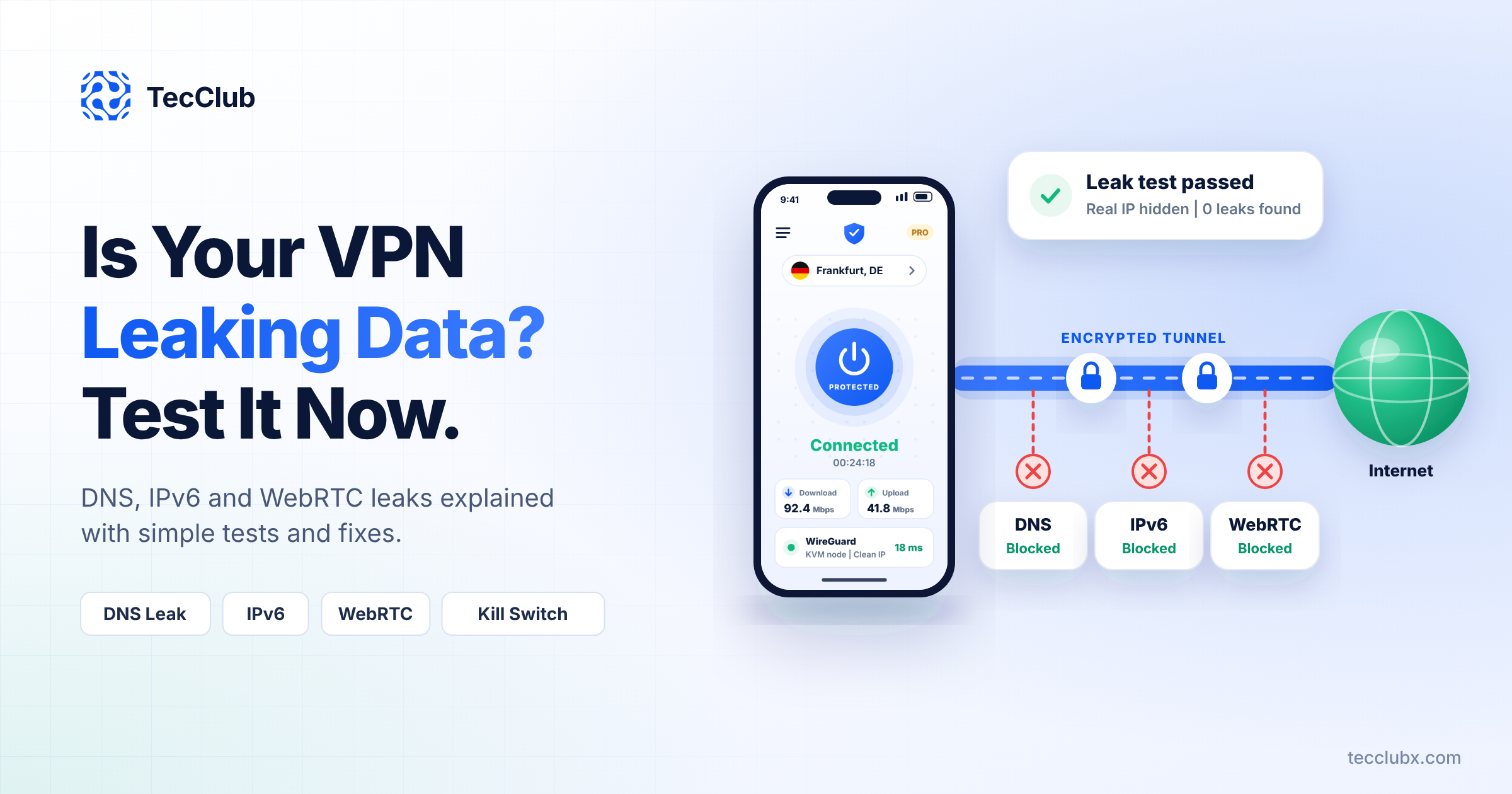
DNS leak protection
-
IPv6 handling
-
Failover mechanisms
-
Encrypted on-device storage
Because trust isn’t optional—it’s required.
Why These Features Matter in 2025
People want more than just a VPN switch.
They want:
-
No leaks
-
Smooth performance
-
Smart automation
-
Custom control
-
Protection they don’t have to think about
Kill Switch, Split Tunneling, and Auto-Connect aren’t just additions—they’re the backbone of a VPN that feels modern, dependable, and built with real people in mind.
And that’s exactly the kind of VPN experience we deliver.