Let’s be honest—most people don’t care how a VPN works.
They’re not thinking about protocols, encryption, or routing systems.
They just want one simple thing:
“Keep me safe online… without making me figure anything out.”
And that’s exactly how a good VPN app should feel.
At TecClub Technology, we focus on turning something complex into something that feels effortless—so anyone can use it, even if they’re not tech-savvy.
Why Simplicity Really Matters
For non-technical users, even small confusion can be a deal-breaker.
If an app feels complicated, people might:
- press the wrong thing
- get unsure about what’s happening
- or just stop using it altogether
That’s why simplicity isn’t just “nice to have”—it’s everything.
It Starts with One Tap
The ideal experience is simple:
Open the app → tap “Connect” → done.
That’s it.
Behind that single tap, the app is doing a lot:
- picking the best server
- choosing the right protocol
- setting up a secure connection
But the user never has to think about any of that.
Keeping the Interface Clean
A cluttered app can feel overwhelming fast.
So we keep things simple:
- clear buttons
- easy labels
- no unnecessary technical terms
When someone opens the app, they should instantly understand what to do—without needing instructions.
Let the App Do the Thinking
Most users don’t want to adjust settings—and they shouldn’t have to.
So the app takes care of things automatically:
- switching servers if needed
- adjusting to network changes
- choosing the best connection method
With systems like Sing-box running in the background, everything adapts quietly on its own.
No Confusing Choices
Instead of asking users to pick between things like WireGuard or OpenVPN, the app just chooses for them.
It uses:
- faster options when speed matters
- more stable ones when needed
From the user’s perspective, it just works.
Always Show What’s Going On
Even if things are simple, users still want clarity.
So the app clearly shows:
- whether they’re connected or not
- which server they’re using
- that their connection is secure
No guessing, no confusion.
Protection That Works Automatically
Security shouldn’t depend on users remembering things.
So we build in features that work on their own:
- auto-connect on public Wi-Fi
- kill switch if the connection drops
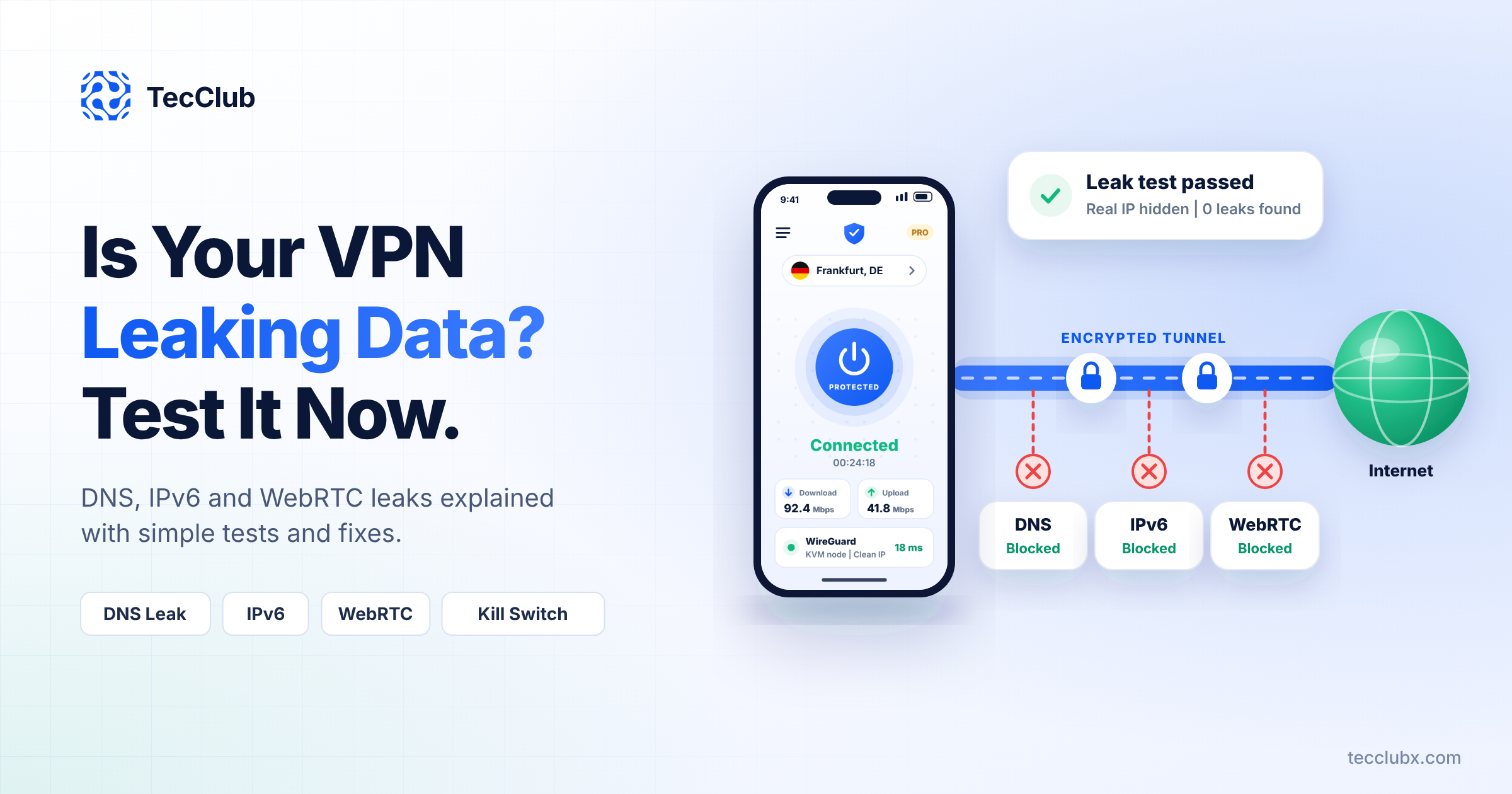
- protection against leaks
Even if the user does nothing, they’re still safe.
A Smooth First Experience
First impressions matter a lot.
So onboarding is:
- quick
- simple
- easy to follow
No technical explanations—just enough to help users get started confidently.
Helpful, Not Annoying Notifications
Notifications should actually help—not overwhelm.
We keep them simple and useful:
- “You’re connected”
- “Connection lost”
- “You’re on public Wi-Fi”
Just enough to keep users aware, without being distracting.
Advanced Options (But Hidden)
Some users want more control—and that’s fine.
We include options like:
- choosing servers manually
- switching protocols
- split tunneling
But they stay tucked away in settings, so beginners aren’t overwhelmed.
It Has to Just Work
At the end of the day, reliability matters most.
Users expect:
- fast connections
- no random disconnects
- smooth performance in the background
If the app works consistently, people trust it—and keep using it.
How We Approach It at TecClub Technology
At TecClub Technology, we design VPN apps with one mindset:
Make it simple on the surface, powerful underneath.
We combine:
- clean design
- smart automation
- strong performance
- real-world testing
So users don’t have to think about security—it just happens.
Why This Approach Works
When a VPN is easy to use:
- more people actually use it
- fewer mistakes happen
- users stick around longer
- support requests drop
Good design doesn’t just look nice—it makes the product successful.
Final Thoughts
Designing for non-technical users isn’t about removing features—it’s about hiding complexity.
The best VPN apps don’t feel technical at all.
They feel simple, reliable, and effortless.
At TecClub Technology, we believe security should be something anyone can use—
no learning curve, no confusion, just one tap and you’re protected.