Why Custom DNS Really Matters for Private Browsing
When people talk about online privacy, they usually think about hiding their IP address or turning on a VPN and calling it a day. That’s totally fair — those things do matter.
But there’s a quieter piece of the internet that most people never notice… and it can quietly give away where you’re going online if it’s not protected properly.
That piece is DNS.
At TecClub Technology, we pay close attention to DNS because real privacy isn’t just about what you see on the surface — it’s about what’s happening behind the scenes, too.
DNS, Without the Tech Talk
Think of DNS as the internet’s contact list.
Every time you type a website name:
-
DNS looks it up
-
Finds the correct “address”
-
Points your device in the right direction
It happens instantly and silently — which is exactly why people forget about it.
And unfortunately, that silence is where privacy problems can creep in.
How DNS Can Accidentally Expose You
By default, most devices use DNS servers provided by your internet service provider.
That means:
-
Your ISP can still see which websites you’re trying to visit
-
Those lookups may travel outside your VPN tunnel
-
Your browsing habits can be logged, even if the page itself is encrypted
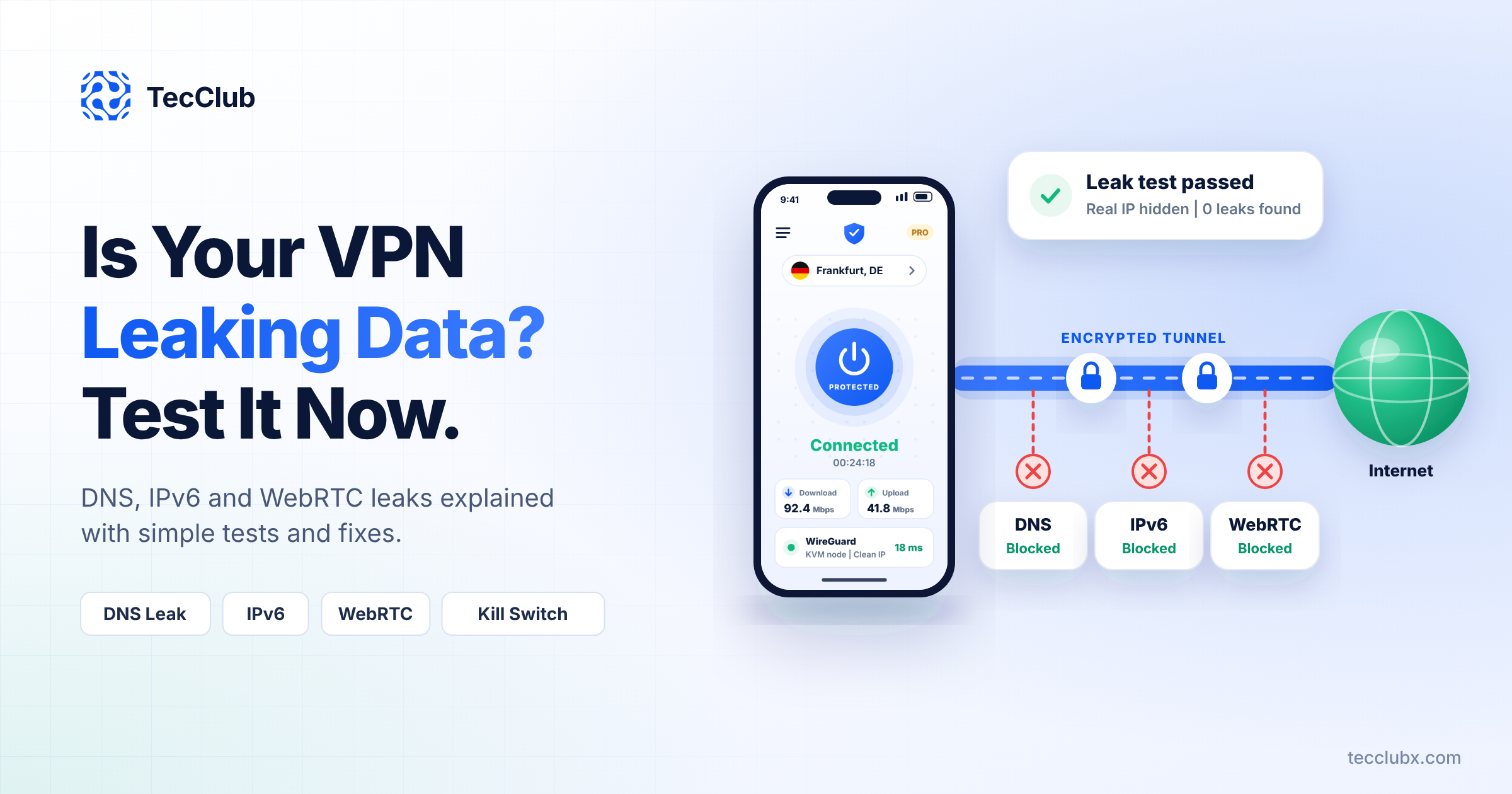
This is called a DNS leak, and it’s far more common than most people realize.
So you might think, “My VPN is on, I’m safe,” while a small part of your activity is still visible.
What Custom DNS Actually Does
Custom DNS simply takes control of that missing piece.
Instead of using your ISP’s DNS:
-
Your DNS requests go through secure, privacy-focused servers
-
Everything stays inside the encrypted VPN tunnel
-
Your ISP and local networks are completely left out
No side doors. No quiet shortcuts.
Why This Makes a Real Difference in Everyday Use
It Stops Silent Leaks
With custom DNS:
-
DNS requests stay encrypted
-
Nothing falls back to default settings
-
Your browsing doesn’t accidentally slip through unprotected
It just works — without you having to think about it.
It Keeps Your ISP Out of Your Business
Even when websites use HTTPS, ISPs can still see DNS lookups.
Custom DNS removes that visibility entirely.
No lists. No logs. No patterns.
It Protects You on Public Wi-Fi
Public Wi-Fi is convenient — and risky.
Without protection, networks can:
-
Intercept DNS requests
-
Redirect you to fake or malicious sites
Custom DNS keeps those requests locked down, even on sketchy networks.
It Adds Extra Privacy Benefits
Once DNS is secured, it can also help:
-
Block ads and trackers
-
Filter known malicious domains
-
Clean up your browsing experience
All quietly in the background.
How We Handle Custom DNS at TecClub Technology
We don’t treat DNS as a “bonus feature.”
We:
-
Route every DNS request through the VPN tunnel
-
Lock DNS behavior at the system level
-
Prevent apps and devices from switching back to ISP DNS
-
Use encrypted DNS whenever possible
The goal is simple: privacy that doesn’t depend on perfect settings or user knowledge.
Why Custom DNS and Kill Switch Belong Together
Custom DNS is powerful on its own — but it’s even stronger with a kill switch.
If the VPN disconnects:
-
Internet traffic stops
-
DNS requests stop instantly
-
Nothing leaks during those brief network hiccups
It’s protection for the moments users don’t even notice.
A Quick Reality Check
Custom DNS is important — but it’s not magic.
It won’t:
-
Protect you from phishing scams
-
Fix weak passwords
-
Replace good online habits
It’s one solid layer in a smarter privacy setup.
Why This Matters for VPN Products
For VPN users, custom DNS means:
-
Fewer surprises
-
Fewer privacy gaps
-
More confidence that the VPN is actually doing its job
For VPN builders, it’s the difference between looking secure and being secure.
Final Thoughts
Private browsing isn’t just about hiding your IP address.
It’s about protecting every small request your device makes, even the ones you never see.
Custom DNS closes one of the biggest — and most overlooked — privacy gaps.
At TecClub Technology, we don’t rely on assumptions.
We design VPNs that protect users quietly, completely, and consistently — exactly how privacy should feel.