
How We Integrate Multiple VPN Protocols in One App
The internet isn’t consistent—and neither are the networks people use every day. One moment you’re on home Wi-Fi, the next you’re on mobile data, a café hotspot, or a tightly locked office network. In some regions, VPN connections are actively restricted.
That’s why relying on a single VPN protocol just doesn’t cut it anymore.
At TecClub Technology, we build VPN apps that support multiple protocols seamlessly, without overwhelming users or weakening security. The goal is simple: no matter where someone connects from, the VPN should just work.
Here’s how we make that happen.
Why One Protocol Is Never Enough
Every VPN protocol is built with a different purpose in mind.
Some are designed for speed.
Some are built for stability.
Others are meant to survive restrictive or filtered networks.
If a VPN app depends on only one protocol, users will eventually hit a wall—slow connections, failed logins, or blocked access. Multi-protocol support gives the app flexibility, so there’s always a reliable fallback.
For users, that means fewer problems and less troubleshooting.
Step One: Choosing the Right Mix (Not Too Much, Not Too Little)
More options don’t always mean a better experience.
Instead of throwing every protocol into one app, we carefully choose a balanced set that works well together:
-
A fast, modern protocol for everyday browsing and streaming
-
A stable, battle-tested option for difficult networks
-
A mobile-friendly protocol that handles network switching smoothly
This gives users flexibility without turning the settings screen into a technical maze.
One App Experience, Many Protocols Behind the Scenes
Each VPN protocol behaves differently at the system level. But users shouldn’t have to learn those differences.
So we build a unified connection layer that keeps everything consistent:
-
One connect and disconnect button
-
The same kill switch behavior
-
The same DNS protection
-
The same security guarantees
No matter which protocol is active, the experience feels exactly the same.
Native, Secure Integration Where It Matters
VPN protocols need deep system access to work properly.
We integrate them using:
-
Native operating system networking APIs
-
Secure permission handling
-
Clear separation between the UI and the VPN engine
This keeps sensitive operations out of the interface layer and ensures encryption stays strong and reliable.
Smart Protocol Selection (So Users Don’t Have to Think About It)
Most users don’t want to choose protocols manually—and honestly, they shouldn’t have to.
Our apps can:
-
Detect the current network environment
-
Automatically select the best protocol
-
Switch protocols quietly if a connection fails
Advanced users can still choose manually, but for everyone else, the VPN adapts automatically in the background.
Backend Control Keeps Everything Flexible
Protocols aren’t managed only inside the app.
Our backend systems allow us to:
-
Adjust protocol settings remotely
-
Disable unstable options instantly
-
Optimize performance for different regions
-
Roll out improvements without forcing app updates
This means faster fixes, better performance, and less disruption for users.
Same Security, No Matter the Protocol
Switching protocols should never weaken protection.
We make sure that:
-
The kill switch works across all protocols
-
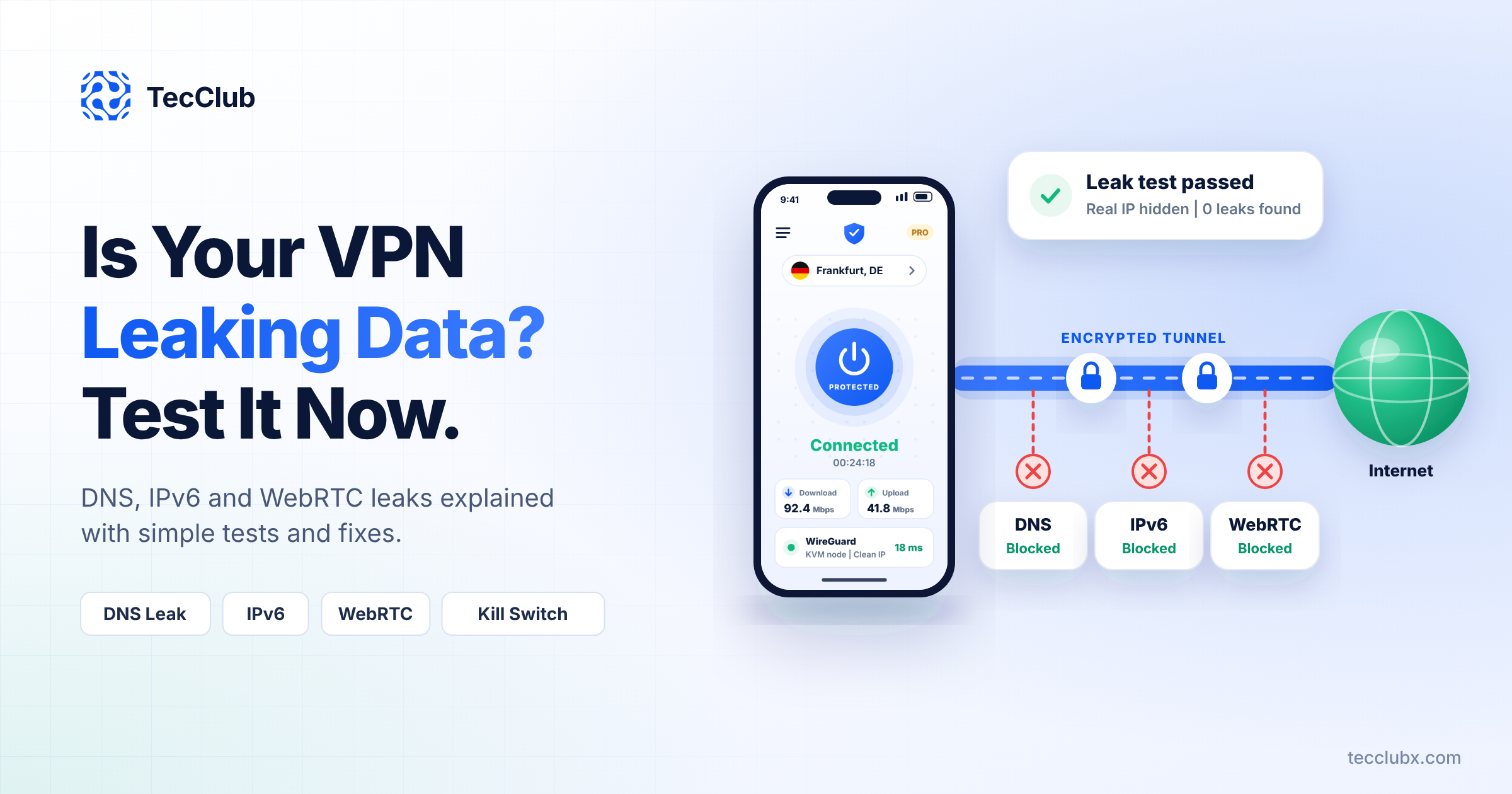
DNS requests always stay inside the tunnel
-
Traffic never leaks during protocol changes
-
Authentication remains secure end to end
Even when the app switches protocols automatically, users stay protected the entire time.
Tested in the Real World (Not Just on Paper)
Networks behave unpredictably, so testing has to go beyond ideal conditions.
We test:
-
Wi-Fi to mobile data switching
-
Weak signals and high latency
-
Protocol failures and recovery
-
Device sleep, lock, and wake cycles
If it works reliably in messy, real-world scenarios, it’s ready.
What This Means for Users
When multi-protocol integration is done right:
-
Connections succeed more often
-
Speed stays consistent
-
Network changes don’t cause drops
-
Users never need technical knowledge
All the complexity stays hidden—exactly where it should be.
How TecClub Technology Does It Differently
We don’t treat protocol support as a last-minute feature.
Our VPN apps are built with:
-
Protocol-agnostic architecture
-
Smart automation by default
-
Strong security across every connection
-
Scalable backend control
This lets us improve, replace, or add protocols without disrupting the user experience.
Final Thoughts
Supporting multiple VPN protocols isn’t about showing off features—it’s about building VPN apps that work in the real world.
At TecClub Technology, we integrate multiple protocols so users don’t have to worry about networks, restrictions, or failures. They tap Connect, and the app takes care of the rest.
That’s how modern VPNs should feel: flexible, reliable, and quietly secure.