
Developing a VPN with Kill Switch, Split Tunneling & Auto-Connect Features
Most people don’t download a VPN because they love security jargon.
They download it because they want to feel safe, free, and unbothered while using the internet.
They don’t want to think about servers, protocols, or reconnections.
They just want things to work.
That’s why a good VPN shouldn’t feel like software—it should feel like a quiet safety net in the background. And that’s exactly where Kill Switch, Split Tunneling, and Auto-Connect come in.
At TecClub Technology, these aren’t optional checkboxes. They’re the features that turn a basic VPN into something people actually trust and keep using.
The Reality of Everyday Internet Use
Let’s be honest—connections drop all the time.
You open your laptop at a café.
Your phone switches from Wi-Fi to mobile data.
The elevator steals your signal for three seconds.
A background app refreshes.
None of this feels dramatic—but from a privacy perspective, it can be risky.
A VPN that doesn’t react instantly can expose:
-
Your real IP address
-
Your location
-
What apps you’re using
And the worst part?
Users usually never notice when it happens.
That’s why modern VPNs have to be proactive, not reactive.
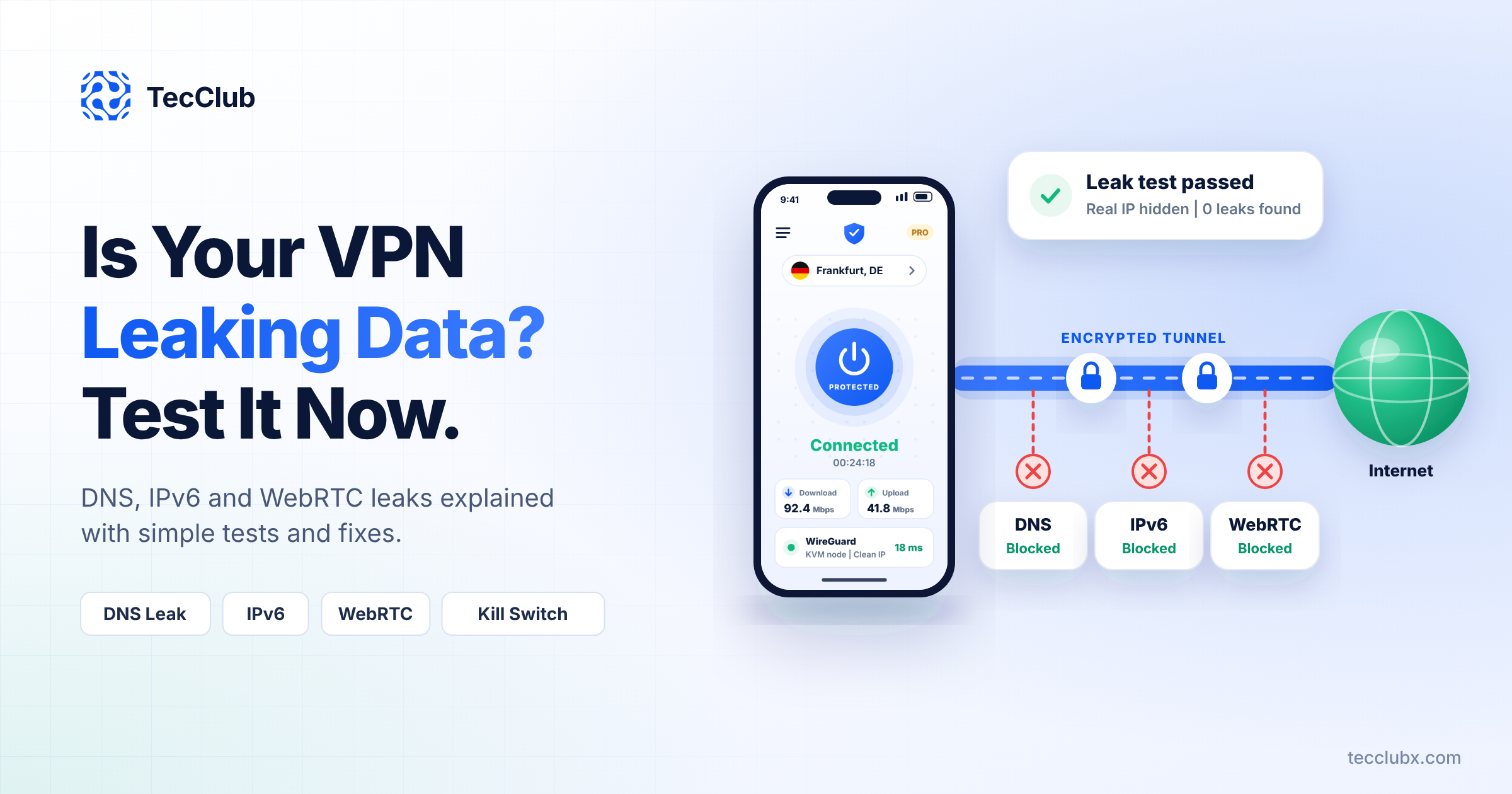
Kill Switch: The Silent Bodyguard
Think of the Kill Switch as the VPN’s instincts.
If something goes wrong—even for a moment—it steps in and says:
“Stop everything. No data leaves this device until we’re safe again.”
Why It Matters So Much
Without a kill switch:
-
Your VPN drops for a second
-
Your real IP slips out
-
Public Wi-Fi becomes a liability
With a proper kill switch:
-
Nothing leaks
-
No panic
-
No damage done
How We Build It
At TecClub Technology, we don’t treat the kill switch as a surface feature.
We build it deep into the system:
-
Constant tunnel monitoring
-
Instant traffic blocking on disconnect
-
Automatic recovery once the VPN is secure again
Whether the user notices or not, the protection is always there.
To the user, it feels like nothing happened.
That’s exactly the point.
Split Tunneling: Security That Respects Real Life
Not everything needs a VPN.
Your banking app might block VPNs.
Your smart TV needs local access.
Some apps just work better outside the tunnel.
Split tunneling gives users freedom without sacrificing safety.
Why People Actually Use It
Because it makes sense:
-
Stream locally, browse privately
-
Keep work apps secure, let others stay fast
-
Save battery and data
-
Avoid unnecessary friction
How We Make It Feel Simple
We focus on usability, not complexity:
-
Select which apps use the VPN
-
Everything else behaves normally
-
No confusing settings
Behind the scenes, we make sure:
-
DNS stays protected
-
No leaks sneak through
-
Network changes don’t break rules
The user just feels… comfortable.
Auto-Connect: Protection That Shows Up First
Most users don’t forget to turn on their VPN because they don’t care.
They forget because life is busy.
Auto-Connect fixes that.
What It Really Does
It quietly asks:
-
“Is this Wi-Fi safe?”
-
“Did the network just change?”
-
“Should I reconnect now?”
And then it acts—without interrupting the user.
Smart, Not Aggressive
We design auto-connect to be respectful:
-
Public Wi-Fi → VPN turns on instantly
-
Home network → optional trust
-
Mobile data → connect only when useful
-
Restricted networks → adapt protocols automatically
No pop-ups.
No constant reconnect loops.
Just quiet protection.
When Everything Works Together
This is where a VPN stops feeling like an app.
-
Auto-Connect keeps protection active
-
Kill Switch guards against the unexpected
-
Split Tunneling keeps daily use smooth
The user doesn’t manage security.
Security manages itself.
That’s the experience people remember—and recommend.
The Tech That Makes It Possible (Without the Noise)
Behind the scenes, we build on modern, proven technology:
-
WireGuard for speed
-
OpenVPN for reliability
-
IKEv2 for mobile stability
-
VLESS, VMess, Shadowsocks, Sing-box for difficult networks
Across:
-
Android
-
iOS
-
Windows
-
macOS
-
Cross-platform Flutter apps
All supported by scalable, secure backends.
But to the user?
None of this matters—and that’s a good thing.
Why Teams Build VPNs with TecClub Technology
Because we don’t chase features—we focus on experience.
Our clients come to us because we:
-
Build VPNs people don’t have to think about
-
Design for unstable networks and real-world use
-
Prioritize privacy without hurting performance
-
Create products users trust
We help brands build VPNs that feel reliable, calm, and invisible.
Final Thoughts
A VPN shouldn’t demand attention.
It should protect users:
-
When they forget
-
When networks fail
-
When things don’t go as planned
Kill Switch, Split Tunneling, and Auto-Connect aren’t “advanced features.”
They’re what make a VPN feel human.
At TecClub Technology, this is how we build VPNs—
quietly working, always ready, and designed for real life.