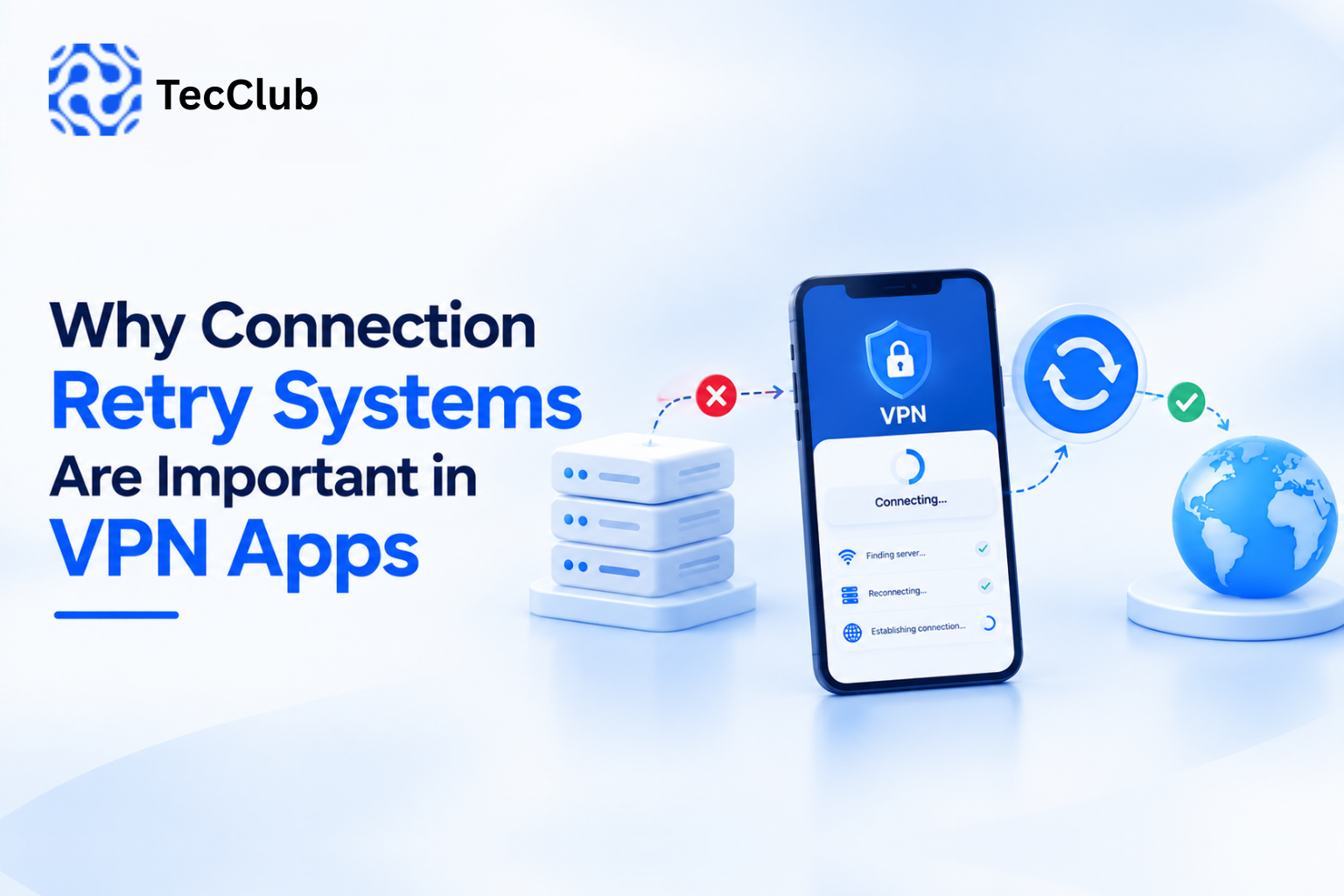

Connecting to a VPN feels almost effortless. You open the app, tap “Connect,” and within seconds you’re told your connection is secure.
But in reality, that simple action triggers a whole chain of processes working quietly in the background.
A VPN isn’t just turning something “on” — it’s setting up a secure system that handles authentication, encryption, traffic routing, and constant monitoring, all in real time.
At TecClub Technology, we design VPN systems so users never have to think about this complexity. Everything just works. But behind that simplicity, there’s a lot going on.
Let’s walk through what actually happens the moment you connect to a VPN.
Step 1: Authentication & Secure Handshake
As soon as you tap “Connect,” your device reaches out to a VPN server.
Before anything else can happen, both sides need to establish trust. This is done through a secure handshake, handled by protocols like OpenVPN or WireGuard.
During this step:
• your device confirms it’s talking to a legitimate VPN server
• encryption keys are exchanged securely
• a protected connection is prepared
Think of this as the introduction phase—both sides verify each other before starting any real communication. Without this step, the connection wouldn’t be safe.
Step 2: Creating an Encrypted Tunnel
Once the handshake is complete, the VPN creates what’s known as an encrypted tunnel between your device and the server.
From this point on, everything you send or receive is protected.
This means:
• your outgoing data is encrypted before it leaves your device
• incoming data is secured before it reaches you
• anyone trying to intercept the traffic sees only unreadable data
Whether you’re browsing, streaming, or using apps, all your activity moves through this secure tunnel.
Step 3: Routing Your Traffic Through the VPN Server
Now that the tunnel is active, your internet traffic takes a different path.
Normally, your connection looks like this:
You → Website
With a VPN, it becomes:
You → VPN Server → Website
This change is what gives you privacy.
It:
• hides your real IP address
• replaces it with the VPN server’s IP
• masks your actual location
So to the outside world, it looks like your traffic is coming from the VPN server—not from you.
Step 4: DNS Request Protection
Whenever you visit a website, your device sends a DNS request to find out where that site is located.
If these requests aren’t protected, they can reveal your browsing activity—even if the rest of your connection is encrypted.
Modern VPNs handle this carefully by ensuring:
• DNS requests are sent through secure channels
• no leaks expose your browsing behavior
• ISPs can’t see which sites you’re visiting
This is usually managed through built-in secure DNS systems within the VPN itself.
Step 5: Continuous Monitoring & Stability Checks
A VPN doesn’t just connect and sit idle—it keeps working in the background the entire time.
While you’re using the internet, the VPN continuously:
• checks if the connection is stable
• monitors speed and latency
• detects any drops or interruptions
• reconnects automatically if needed
All of this happens silently, so your connection stays secure without you noticing anything.
Step 6: Kill Switch Protection (If Enabled)
Sometimes, connections drop unexpectedly. Even a brief interruption can expose your real IP if nothing is in place to stop it.
That’s where the kill switch comes in.
If the VPN disconnects, the kill switch:
• immediately blocks all internet traffic
• prevents your real IP from being revealed
• stops any data from leaking outside the tunnel
It’s essentially a safety net that activates instantly when something goes wrong.
Step 7: Smart Server & Protocol Optimization
Modern VPN apps are no longer static—they actively optimize your connection.
Depending on your network conditions, the system may:
• switch to a better server automatically
• choose faster or more stable routes
• adjust protocols for better performance
Some advanced setups use frameworks like Sing-box to manage this intelligently, helping improve both speed and reliability without any manual input from the user.
Step 8: Secure Data Transmission in Real Time
Once everything is fully set up, your data flows continuously through the encrypted tunnel.
For every request:
• data is encrypted before leaving your device
• it travels securely through the VPN server
• it’s only decrypted at its final destination
This entire process happens in milliseconds—so quickly that from your perspective, everything feels smooth and instant.
Why This Process Matters
All of these steps might seem invisible, but they’re what make a VPN actually effective.
Together, they provide:
• privacy from ISPs and online trackers
• protection on public Wi-Fi networks
• secure communication channels
• access to content across different regions
Without these behind-the-scenes processes, a VPN would just be a basic proxy—not a true privacy tool.
How TecClub Technology Builds Reliable VPN Systems
At TecClub Technology, we focus on building VPN systems that balance power with simplicity.
Our approach includes:
• using modern, secure protocols
• implementing smart routing and server selection
• preventing DNS and IP leaks
• maintaining strong performance across devices
• scaling infrastructure as demand grows
The goal is simple: users shouldn’t have to think about security—it should just work.
Conclusion
Connecting to a VPN might look like a single tap, but behind it is a carefully coordinated system working in real time.
From authentication and encryption to routing and monitoring, every step plays a role in keeping your data secure.
Understanding what happens behind the scenes makes it clear why the quality of a VPN really matters.
At TecClub Technology, we handle all the complexity—so users can stay protected without even thinking about it.