Think about how often your phone switches networks.
You leave your house → Wi-Fi disconnects → mobile data kicks in.
You walk into a café → your phone connects to a new Wi-Fi.
It all happens automatically—and usually, you don’t even notice.
But behind the scenes, these moments are actually risky for a VPN.
Even a tiny gap during that switch can expose your real IP or send data without encryption.
At TecClub Technology, we design VPN apps to handle these transitions smoothly—so users stay protected without ever thinking about it.
Why Network Switching Can Be a Problem
When your network changes, your VPN connection doesn’t magically stay perfect.
What usually happens is:
- the secure tunnel drops
- a new connection needs to be created
- there’s a brief moment where things could go unprotected
And that small moment? That’s where leaks can happen.
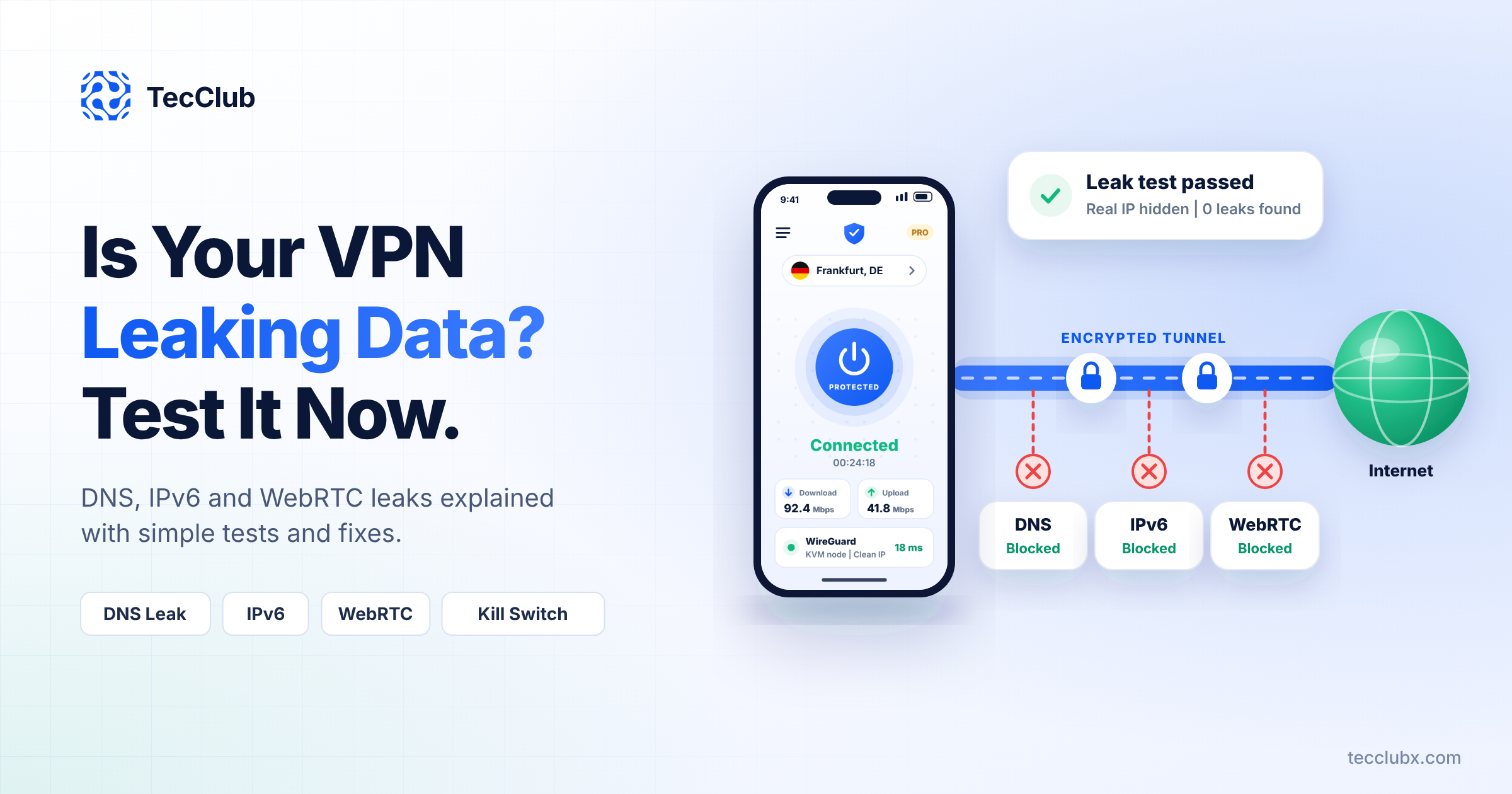
The First Safety Net: Kill Switch
This is one of the most important features—and honestly, a lifesaver.
If the VPN connection drops, the kill switch:
- instantly blocks all internet traffic
- stops any data from leaving your device
- waits until the VPN reconnects
So instead of risking exposure, everything just pauses safely.
Reconnecting Almost Instantly
Modern VPN apps are constantly watching your connection.
The moment they detect a network change, they:
- recognize the drop immediately
- start reconnecting right away
- rebuild the secure tunnel in milliseconds
Most of the time, users don’t even notice anything happened.
Keeping the Connection “Alive”
Instead of starting from scratch every time, advanced VPNs try to keep things smooth.
They:
- reuse session data
- rebuild the tunnel quickly
- avoid unnecessary delays
Protocols like WireGuard are especially good at this because they reconnect super fast.
Always Running in the Background
Even when you’re not looking at the app, it’s still working.
Background services:
- monitor your network
- handle reconnections
- enforce security rules
That’s what keeps everything stable without needing user input.
Protecting DNS Requests Too
It’s not just your connection that needs protection—DNS matters as well.
During network switching, VPN apps make sure:
- DNS requests stay inside the secure tunnel
- no external servers can see what you’re accessing
- nothing leaks during the transition
So your browsing stays private from start to finish.
Detecting Changes Before You Notice Them
Good VPN apps don’t wait for problems—they anticipate them.
They track things like:
- Wi-Fi disconnecting
- mobile data turning on
- signal strength dropping
So they’re ready to react instantly when something changes.
Adapting to Different Networks
Not all networks behave the same.
So VPN apps adjust on the fly:
- faster protocols for smooth networks
- more stable ones for unstable connections
This helps keep everything reliable, no matter where you are.
Smarter Systems Behind the Scenes
Modern VPN frameworks (like Sing-box) help manage all this complexity.
They make it possible to:
- handle multiple protocols
- switch connections quickly
- keep routing efficient
So transitions feel seamless instead of disruptive.
No Data Slips Through
During a network switch, VPN apps are extra careful.
They:
- pause outgoing traffic
- wait until encryption is active again
- then resume everything safely
So there’s no chance of “half-protected” data slipping through.
Keeping Users Informed (Without Stressing Them Out)
Some apps also give simple updates like:
- “Reconnecting…”
- “Connected again”
Just enough to keep users aware—without overwhelming them.
How We Handle It at TecClub Technology
At TecClub Technology, we design VPN apps with one clear goal:
No gaps. No leaks. No worries.
We focus on:
- strong kill switch systems
- instant reconnections
- secure DNS handling
- smart protocol switching
So even when networks change, protection doesn’t.
Why This Really Matters
Most users switch networks all the time without thinking about it.
But without proper protection, even a split second can expose:
- your IP address
- your activity
- your data
That’s why handling these transitions properly is so important.
Final Thoughts
Network switching is normal—but it shouldn’t come with risk.
A well-designed VPN makes these changes invisible and safe, handling everything in the background.
At TecClub Technology, we build VPN apps that don’t just protect you when you’re connected—
they protect you even in the moments in between.