
These days, people don’t really think about how a VPN works — they just expect it to be fast, stable, and secure all the time.
One tap… and everything should just work.
But behind the scenes, things aren’t that simple.
The truth is, no single VPN protocol can handle every situation perfectly. What works great on your home Wi-Fi might struggle on mobile data, and something that’s stable in one country might get blocked in another.
That’s why modern VPN apps have become much smarter. Instead of sticking to one protocol, they switch between them automatically — depending on what’s happening in real time.
At TecClub Technology, this is exactly how we design our VPN systems. The idea is simple: the app should adapt to the user — not the other way around.
Why One Protocol Isn’t Enough
Every VPN protocol has its own personality.
Some are built for speed.
Some are built for stability.
Some are designed to bypass restrictions.
For example:
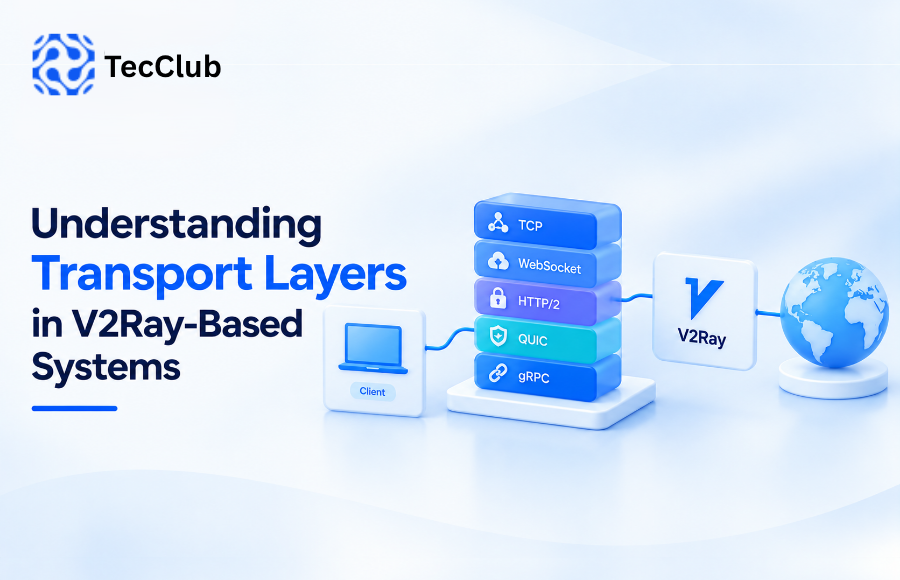
- WireGuard is incredibly fast and efficient
- OpenVPN is known for being stable and reliable
- Shadowsocks is lightweight and flexible
- V2Ray is great when dealing with restricted networks
But here’s the catch — internet conditions are always changing.
So relying on just one protocol is like using the same route every day, no matter the traffic. Sometimes it works. Sometimes it doesn’t.
What Dynamic Protocol Switching Really Means
Instead of making users pick a protocol manually, modern VPN apps handle it for them.
They quietly:
- Watch how your connection is performing
- Notice when things slow down or become unstable
- Switch to a better protocol when needed
And all of this happens in the background.
Most of the time, users don’t even realize anything changed — they just feel that the connection stays smooth.
How the VPN Knows Something’s Wrong
Good VPN apps are constantly “paying attention” to the connection.
They look at things like:
Latency (Ping)
If everything starts feeling slow, high latency is usually the reason.
So the VPN may switch to something faster.
Packet Loss
If data isn’t reaching properly, the connection becomes unreliable.
Switching protocols can fix that quickly.
Connection Stability
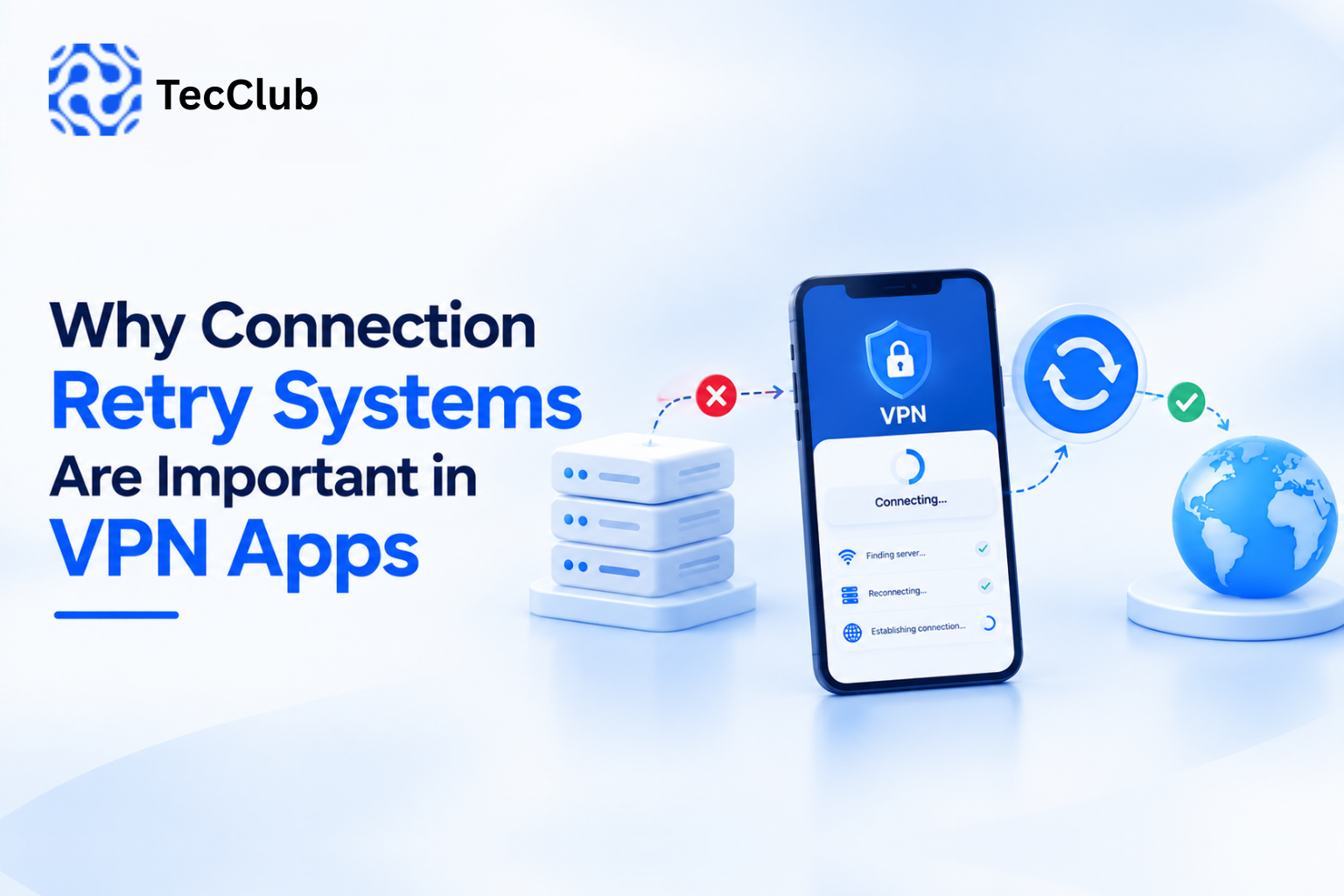
If the VPN keeps dropping or reconnecting, it’s a clear signal that the current setup isn’t working well.
So it adjusts.
Type of Network
Not all networks behave the same.
- Home Wi-Fi is usually stable
- Mobile data can be unpredictable
- Public Wi-Fi can be slow or restricted
The VPN adapts based on where you are.
What Actually Happens During a Switch
When the app decides to switch protocols, it doesn’t just cut the connection and restart.
It handles things very carefully:
- It finds a better protocol
- Prepares a new secure connection
- Moves your traffic over
- Closes the old one safely
All of this is done in a way that keeps:
- Your data protected
- Your connection uninterrupted
- Your experience smooth
To the user, it feels almost invisible.
The Tech That Makes This Possible
This kind of smart switching needs a strong foundation.
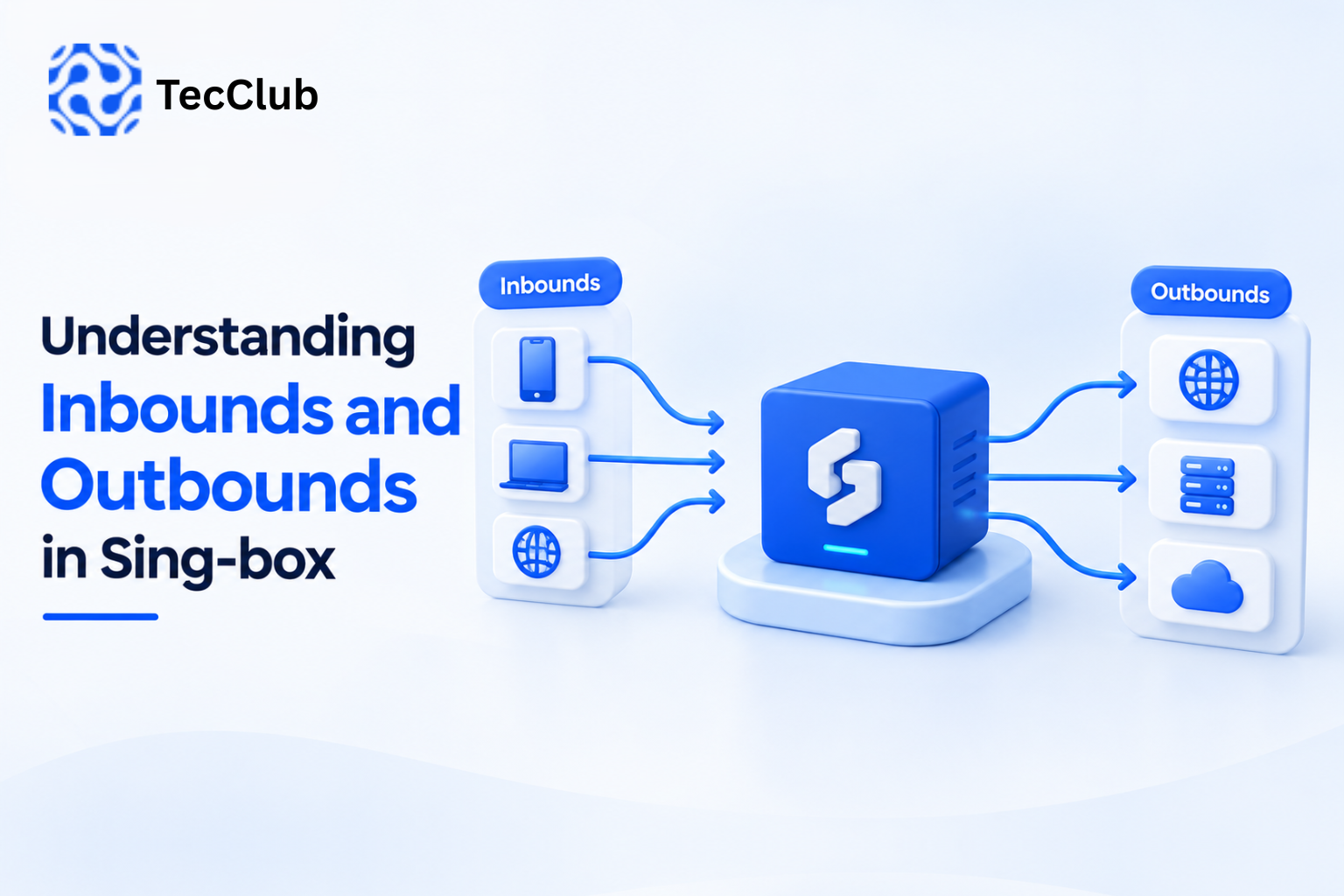
Modern VPN cores like Sing-box make it possible by:
- Managing multiple protocols together
- Handling routing intelligently
- Switching connections quickly and safely
Without this kind of system, dynamic switching wouldn’t feel this seamless.
Why This Makes a Big Difference
When dynamic switching is working properly, users get a much better experience without even trying.
- Speed stays consistent
- Connections don’t randomly drop
- Restricted networks become easier to handle
- There’s no need to manually change settings
It just works — and that’s what users really want.
A Real-Life Scenario
Think about a normal day:
You start at home on Wi-Fi → everything is fast
You step outside and switch to mobile data → connection changes
You connect to public Wi-Fi at a café → new restrictions appear
Instead of struggling, the VPN quietly adjusts at every step.
No manual changes. No frustration.
What About Security?
Switching protocols might sound risky — but it shouldn’t be.
At TecClub Technology, we make sure that:
- The kill switch always stays active
- DNS requests remain protected
- Your IP never leaks
- Encryption continues without interruption
So even while things are changing, your security stays solid.
Why This Matters Today
Without dynamic protocol switching, VPN apps would feel outdated.
Users would deal with:
- Slow speeds
- Failed connections
- Constant manual adjustments
With it, everything becomes:
- Smarter
- Faster
- More reliable
And most importantly — effortless.
How We Build It at TecClub Technology
At TecClub Technology, we focus on making VPNs feel simple on the surface — even though there’s a lot happening underneath.
Our systems:
- Support multiple protocols together
- Monitor performance in real time
- Adjust automatically when needed
- Keep everything secure and stable
So the user doesn’t have to think about any of it.
Final Thoughts
Dynamic protocol switching is one of those features people don’t see — but definitely feel.
It’s what keeps a VPN fast when the network changes, stable when things get messy, and reliable when it matters most.
At TecClub Technology, we build VPN systems that quietly handle all of this in the background… so users can just connect and move on with their day.